
Create a business workspace and choose the relevant tax configuration.
Bill It Bharat · GST Billing
Free GST Billing Software for Indian Businesses
Prepare GST and non-GST invoices, review item taxes and collect cash or UPI payments from a browser-based billing workspace.
Inside the product
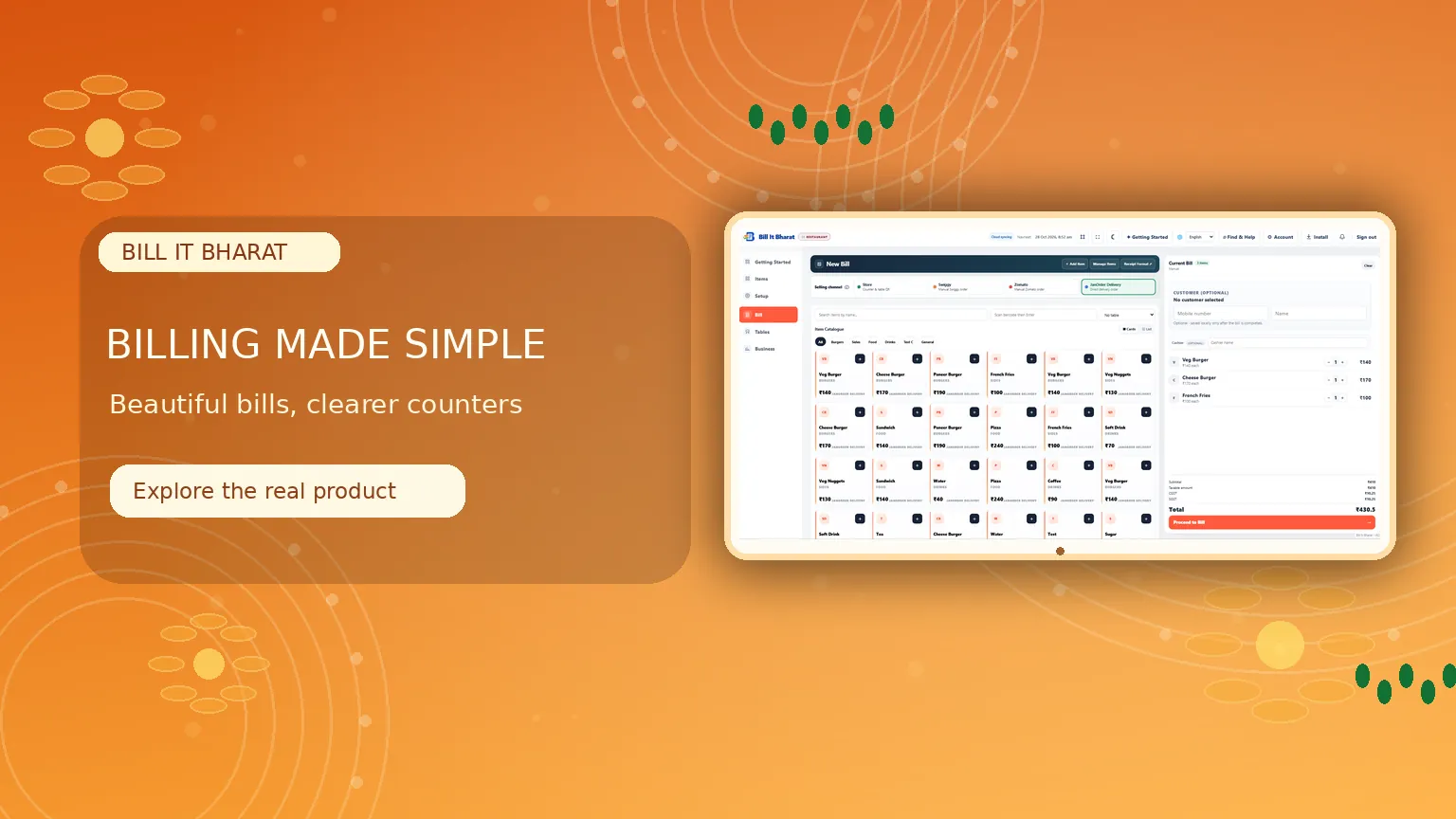
A confident start to every sale
Choose products, review tax totals and create the bill using the existing counter workflow.
What this solves
A simpler way to manage gst billing
Preparing accurate bills takes longer when product prices, GST details and payments are spread across separate tools.
Add products to a bill, edit quantities, check discounts and apply configured tax settings. Review amounts before finalising a transaction; use supported invoice and print formats for the counter.
- GST and non-GST invoice workflows
- Item search and editable quantities
- Discounts and supported payment modes
- Existing sales history and reprints
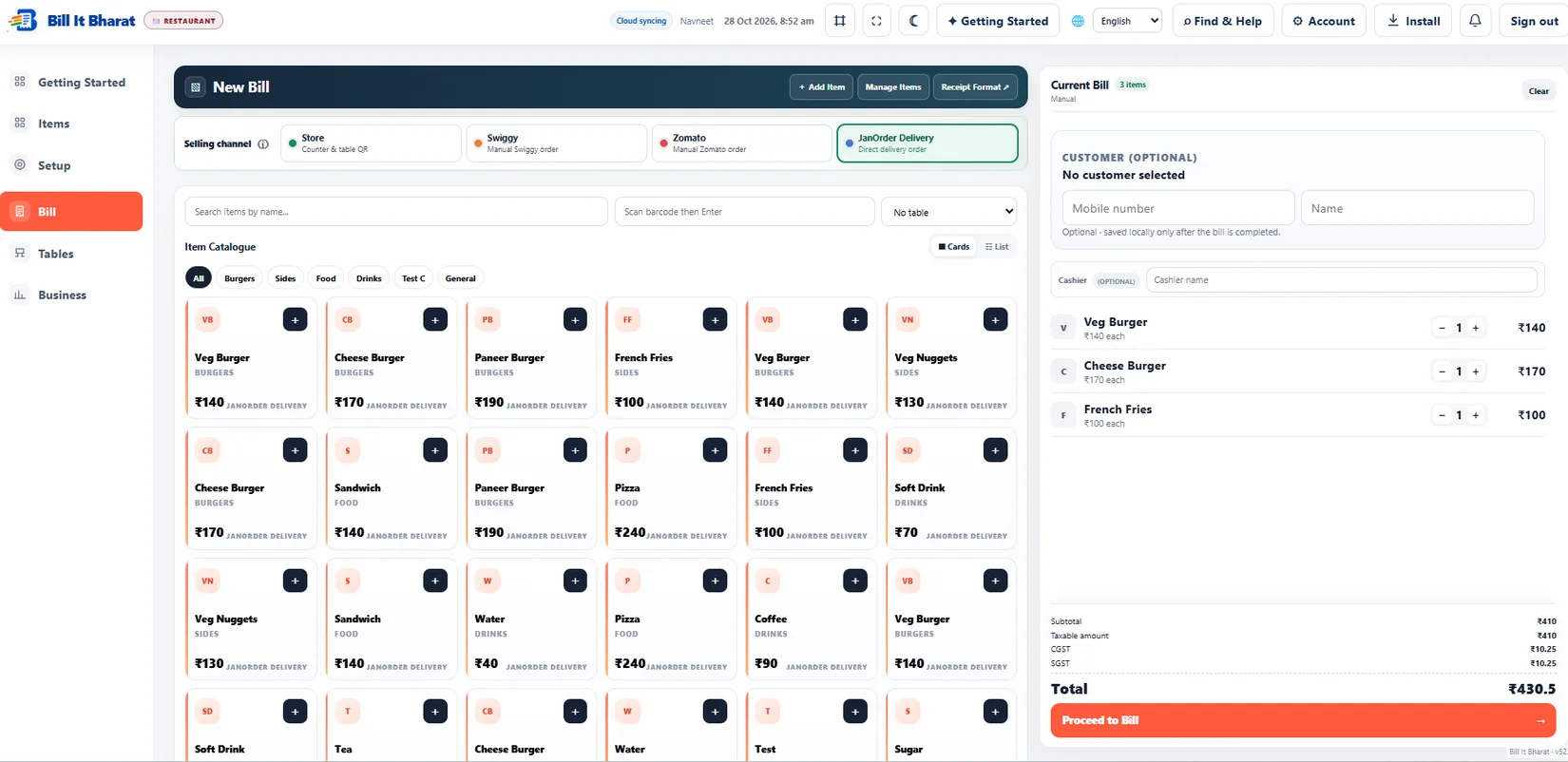
Real application capture using demo/sample data; your workspace may differ.
Product proof, not mockups
See what the actual application looks like
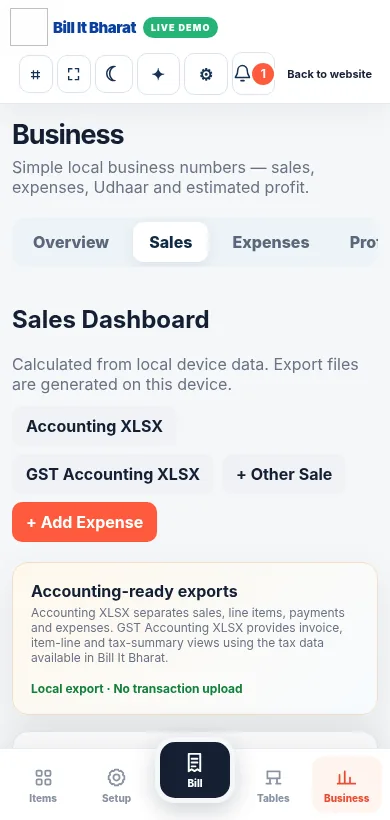
These are captured screens from the Bill It Bharat and JanOrder application demos. They are separate from the decorative illustrations.
Your next steps
How it works
Add or select products in Billing and review prices, quantity and GST.
Confirm payment details, finish the bill and print or share as supported.
Straight answers
Frequently asked questions
Can I make GST bills?
Yes. GST invoicing is supported when the business configures its GST information and item tax rates.
Is core billing free?
Yes. Core billing remains free to use.
Can I print invoices?
Yes. Available print formats depend on the selected printer and device.
Make your workday simpler
Explore GST Billing and the other tools in Bill It Bharat.
Start Free BillingLearn and try
Explore the full workflow
Read a practical guide or try a no-login simulation using fictional records.