
Record sales using the normal billing flow.
Bill It Bharat · Reports
Sales Reporting & Business Insights
Review daily sales, transaction history and supported business reports from the same workspace used for billing.
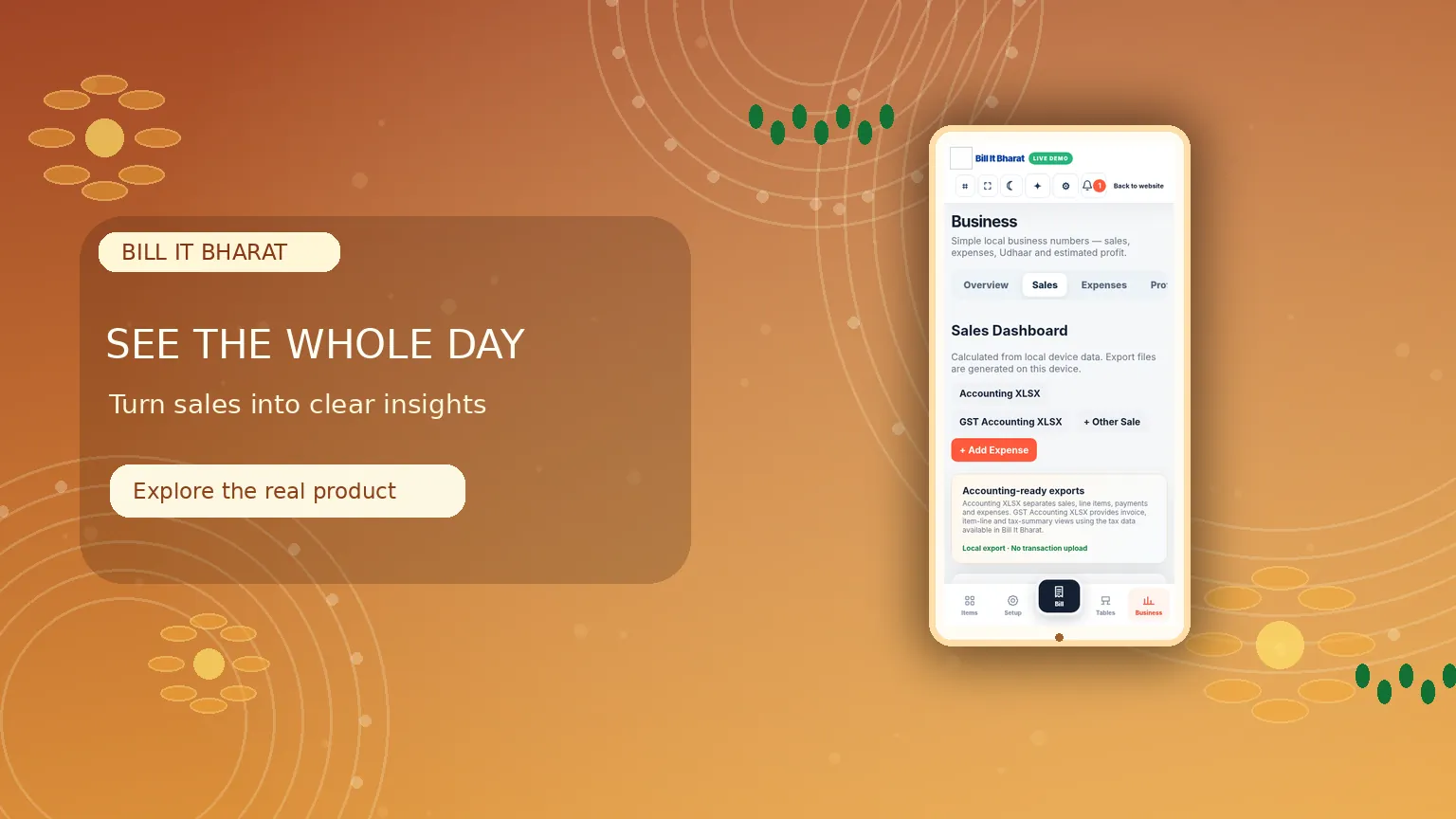
Inside the product
Understand the trading day at a glance
Review sales and operational information from the Business area.
What this solves
A simpler way to manage reports
Business owners need a useful picture of the day without re-entering transaction details into a separate report.
Use Sales and reporting views to review recorded bills, transaction summaries and supported payment breakdowns. Purchase and attendance reporting remain accessible through their respective modules.
- Sales history and totals
- Transaction lookup and bill reprints
- Available sales and payment summaries
- Separate purchase and staff attendance reports
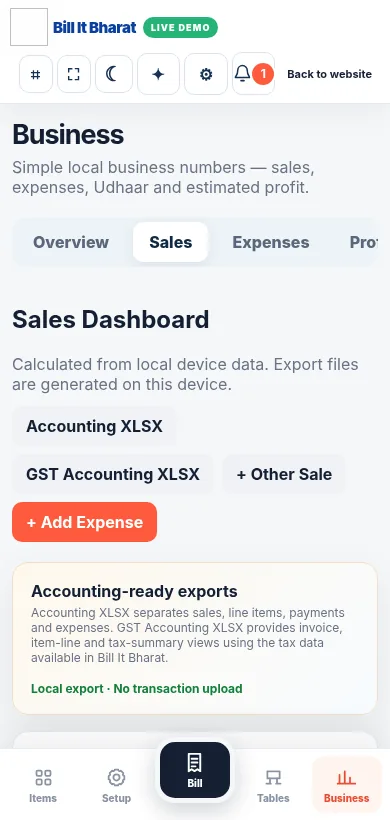
Real application capture using demo/sample data; your workspace may differ.
Product proof, not mockups
See what the actual application looks like
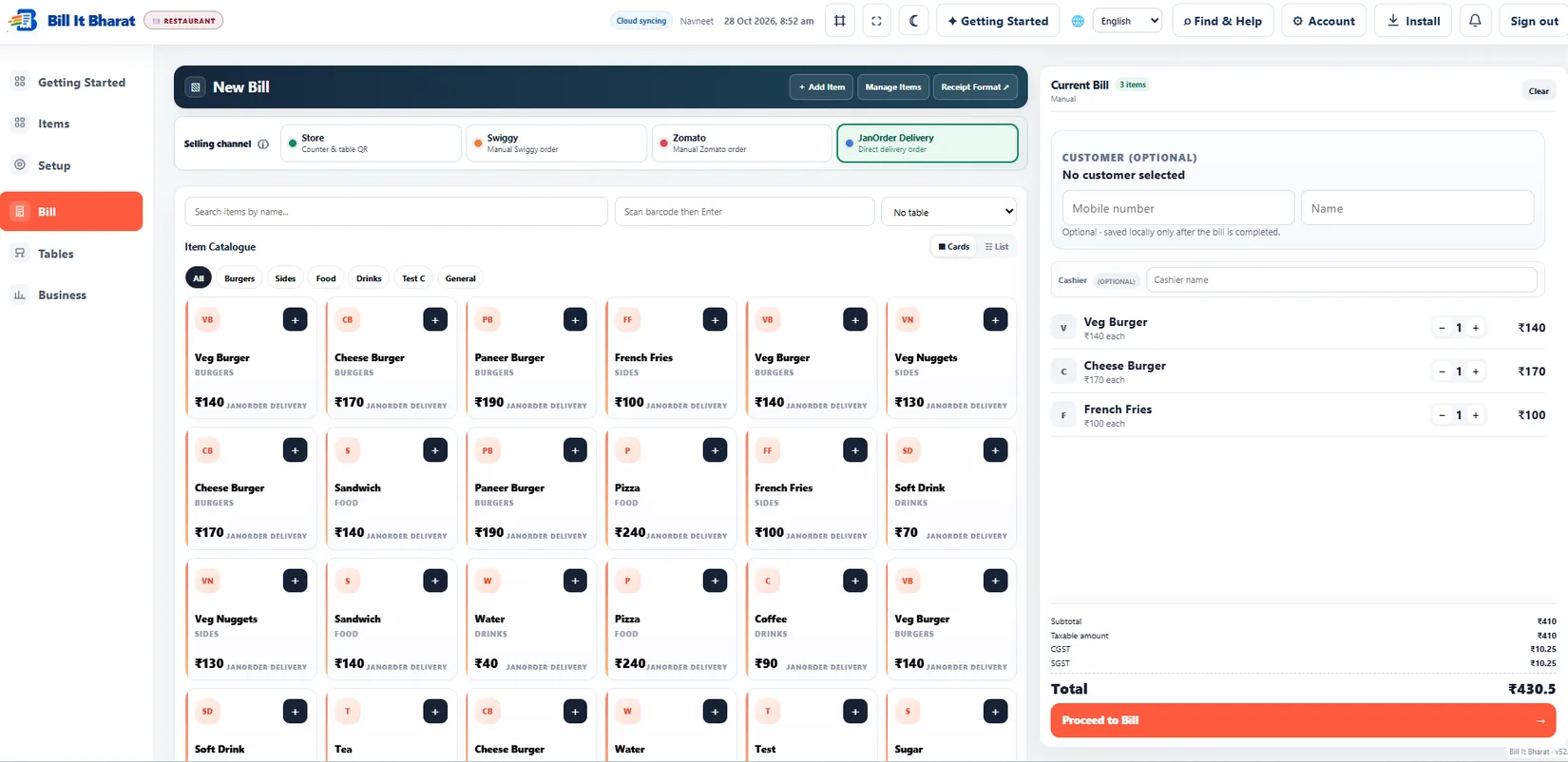
These are captured screens from the Bill It Bharat and JanOrder application demos. They are separate from the decorative illustrations.
Your next steps
How it works
Open Sales or the relevant report view.
Review records and export available reports as needed.
Straight answers
Frequently asked questions
Can I see previous bills?
Yes. Sales history is available for records stored in the business workspace.
Do sales reports automatically sync across devices in Free?
Do not assume local transaction records automatically transfer between devices. Export records regularly.