
Open Business & Billing Settings → Invoice Branding & Format.
Bill It Bharat · Invoice Templates
Beautiful Invoice Templates for Small Businesses
Choose a printable invoice look from five designs while keeping the same billing and tax calculations.
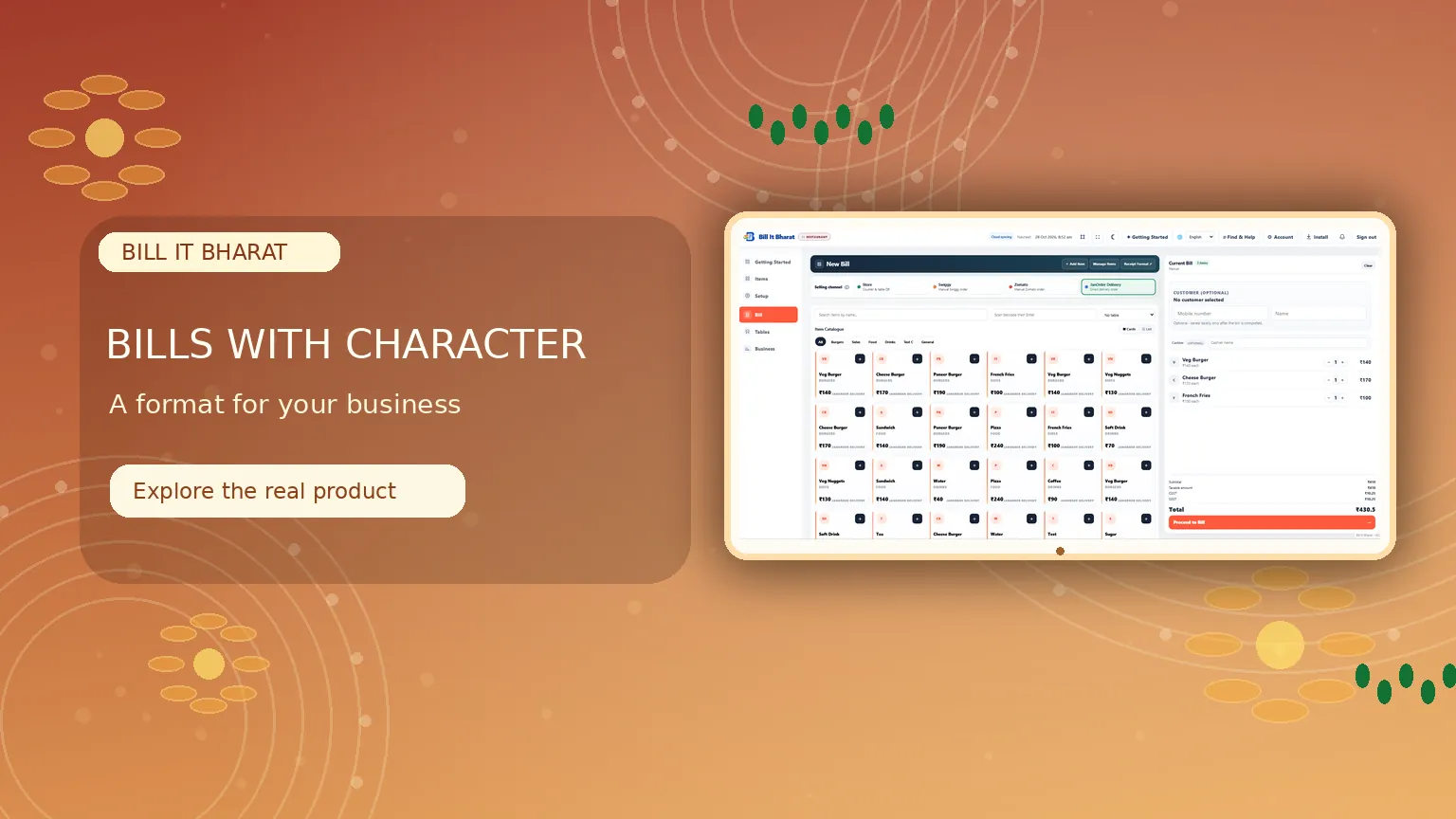
Inside the product
A bill format that reflects your shop
Explore multiple invoice looks while retaining your existing calculations and billing flow.
What this solves
A simpler way to manage invoice templates
Different businesses want a bill that suits their brand without rebuilding their billing process.
In Billing Settings choose Classic Original, Editorial, Midnight, Botanical or Heritage. The original design remains the default. Supported HTML print previews use the chosen design; the existing PDF layout remains unchanged.
- Five selectable invoice looks
- Original invoice design kept as default
- 58mm, 80mm and 110mm print width choices
- No changes to price or tax calculation
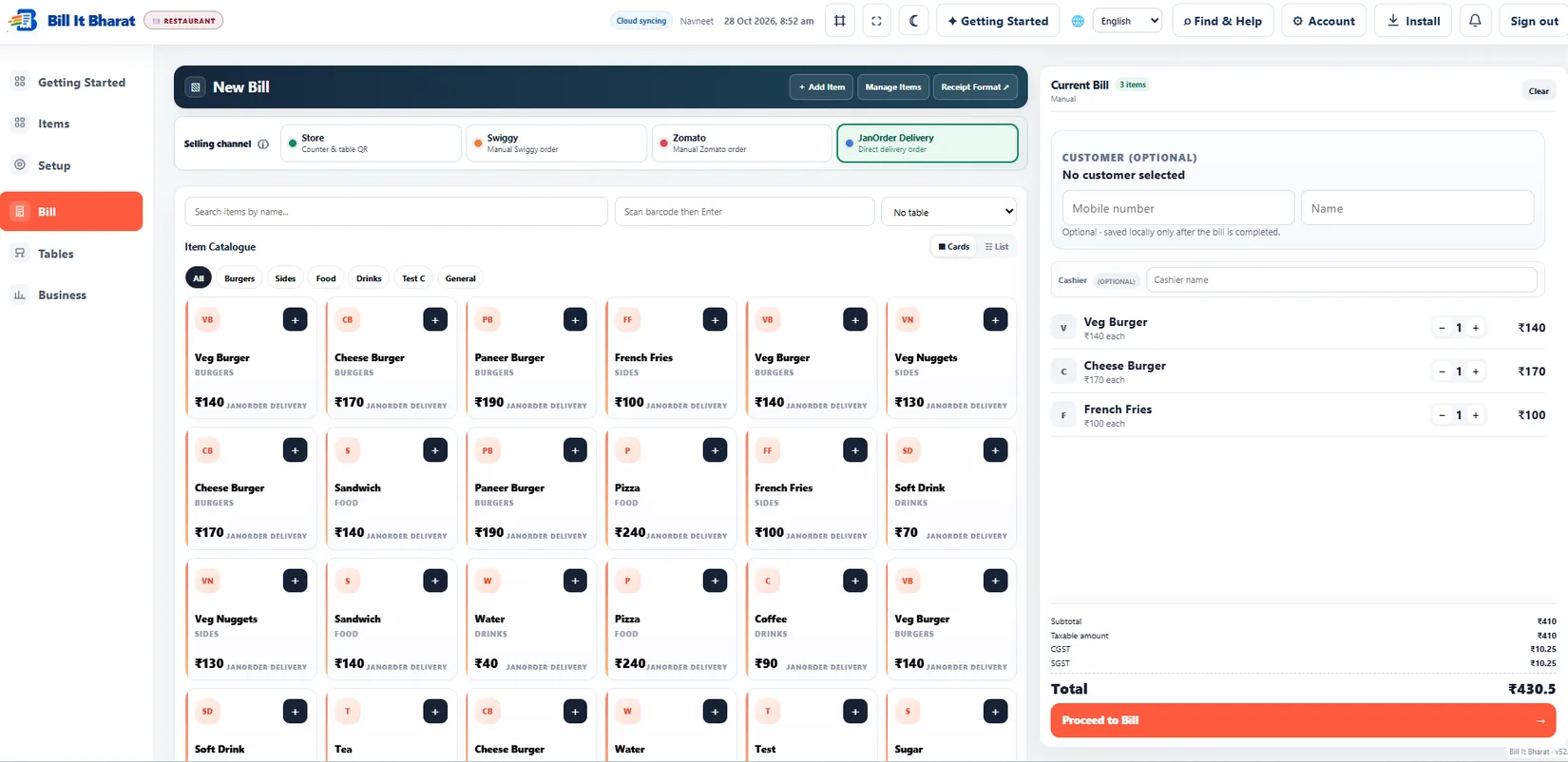
Real application capture using demo/sample data; your workspace may differ.
Product proof, not mockups
See what the actual application looks like
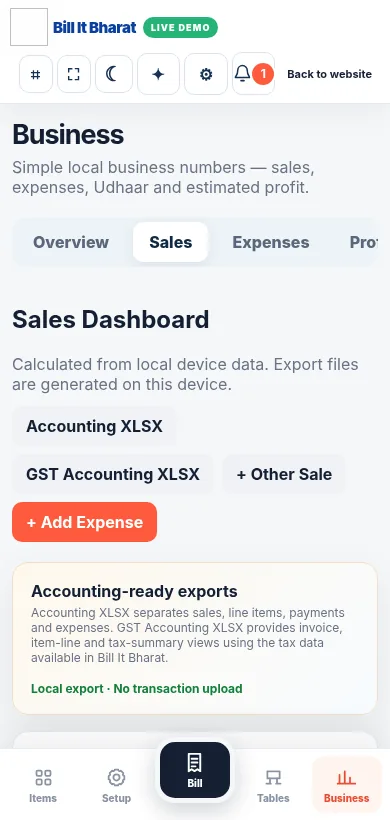
These are captured screens from the Bill It Bharat and JanOrder application demos. They are separate from the decorative illustrations.
Your next steps
How it works
Preview the available designs and choose one.
Print a sample to check fit on your actual printer.
Straight answers
Frequently asked questions
Will changing design change totals?
No. Invoice styling does not change billing calculations.
Does the existing design remain available?
Yes. Classic Original remains the default.
Will printed receipts always look identical?
Printer dimensions and browser print settings may affect output.
Make your workday simpler
Explore Invoice Templates and the other tools in Bill It Bharat.
Start Free Billing