
Add a supplier in Setup → Purchases → Supplier Master.
Bill It Bharat · Suppliers
Supplier Management for Small Business Purchases
Keep supplier contact details connected to purchase records without maintaining a separate spreadsheet.
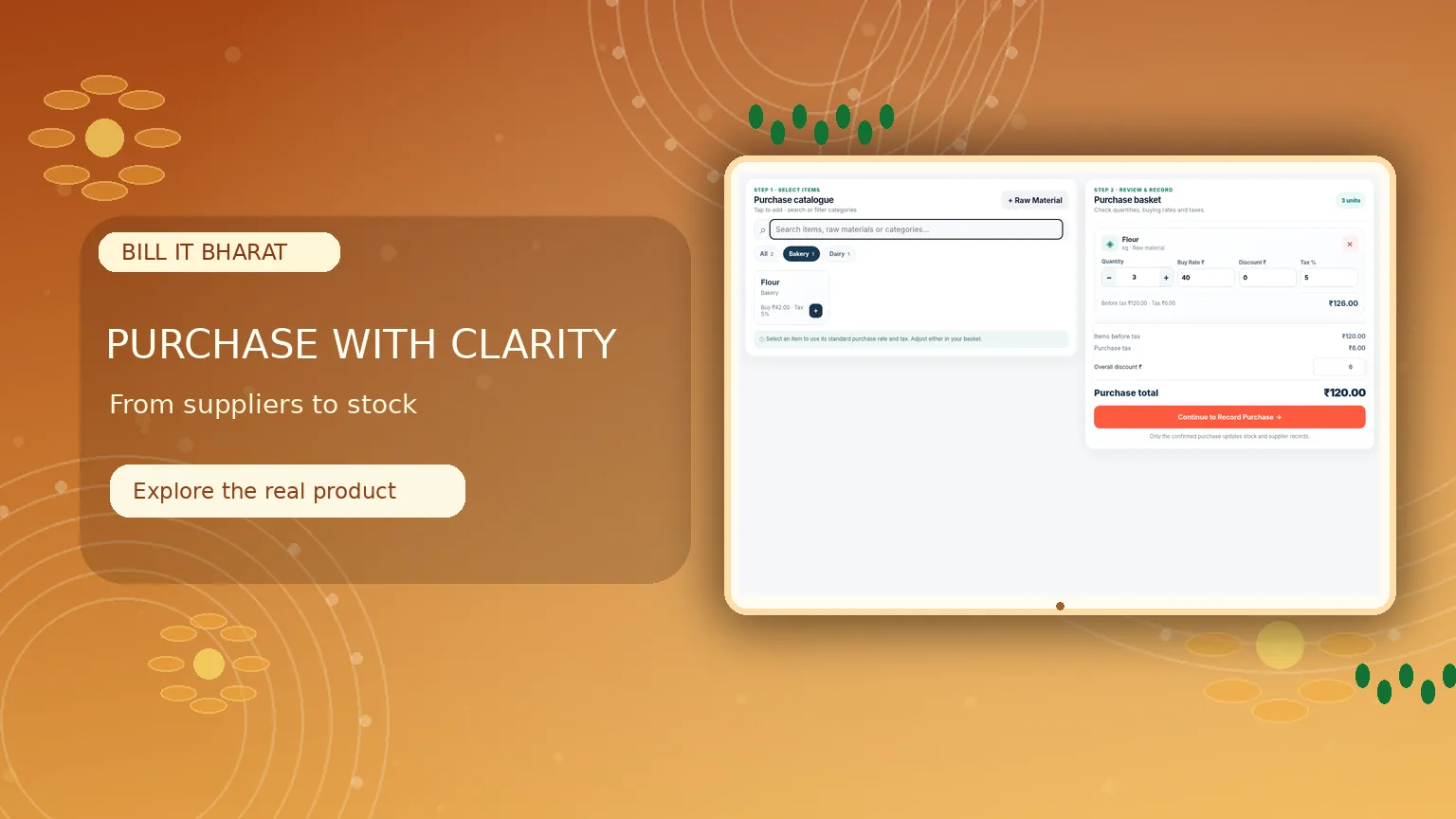
Inside the product
Supplier records alongside each purchase
Find the supplier before you record a purchase, then review the associated buying details.
What this solves
A simpler way to manage suppliers
When supplier names and purchase records are stored in different places, searching previous purchases becomes slower.
Create and edit supplier records, locate suppliers by phone number where available and select them when recording purchases. Purchase history can be reviewed from the purchase module.
- Dedicated Supplier Master
- Phone-based supplier lookup
- Supplier selection during purchase recording
- Purchase history connected to supplier records
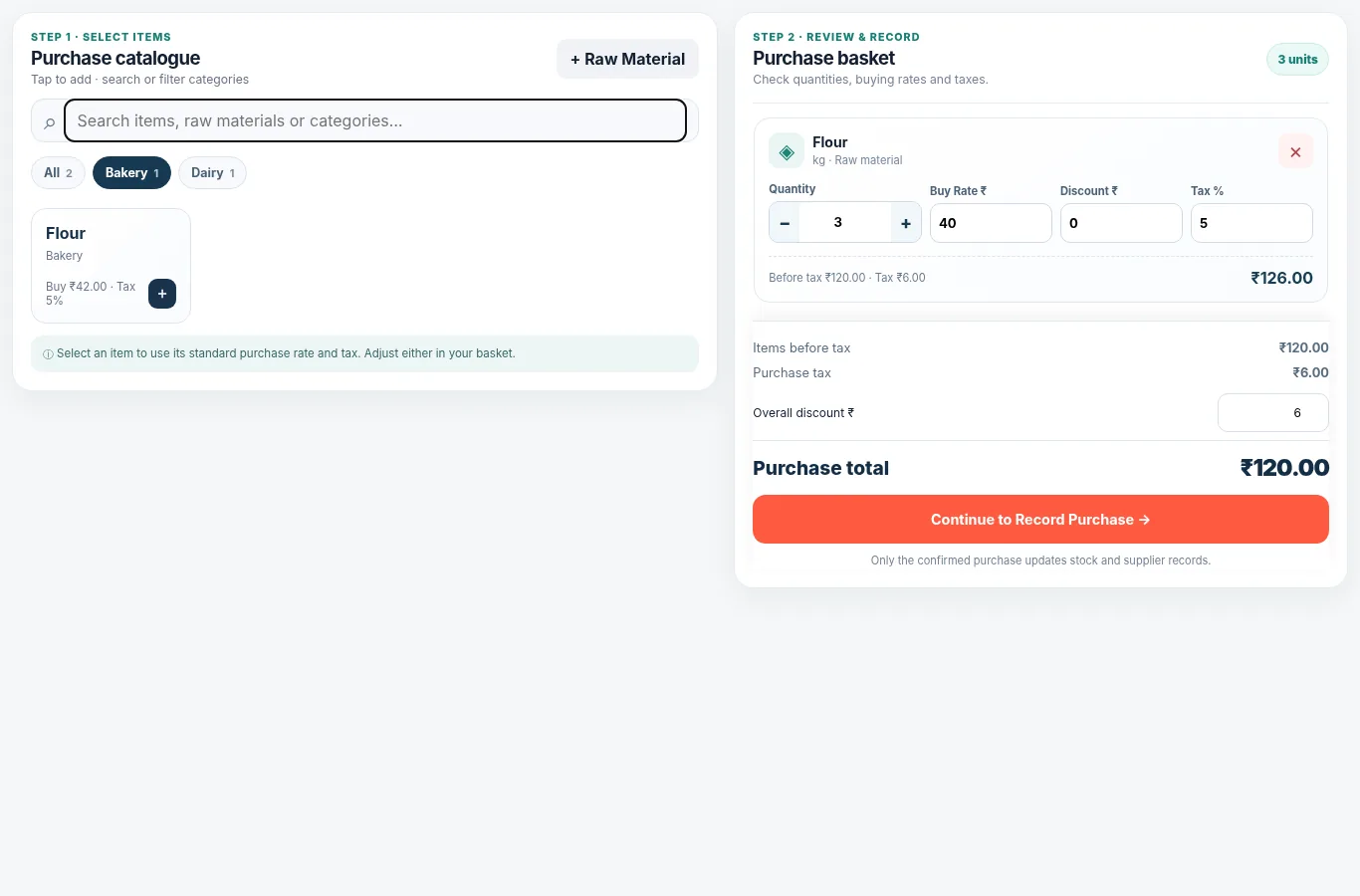
Real application capture using demo/sample data; your workspace may differ.
Product proof, not mockups
See what the actual application looks like
These are captured screens from the Bill It Bharat and JanOrder application demos. They are separate from the decorative illustrations.
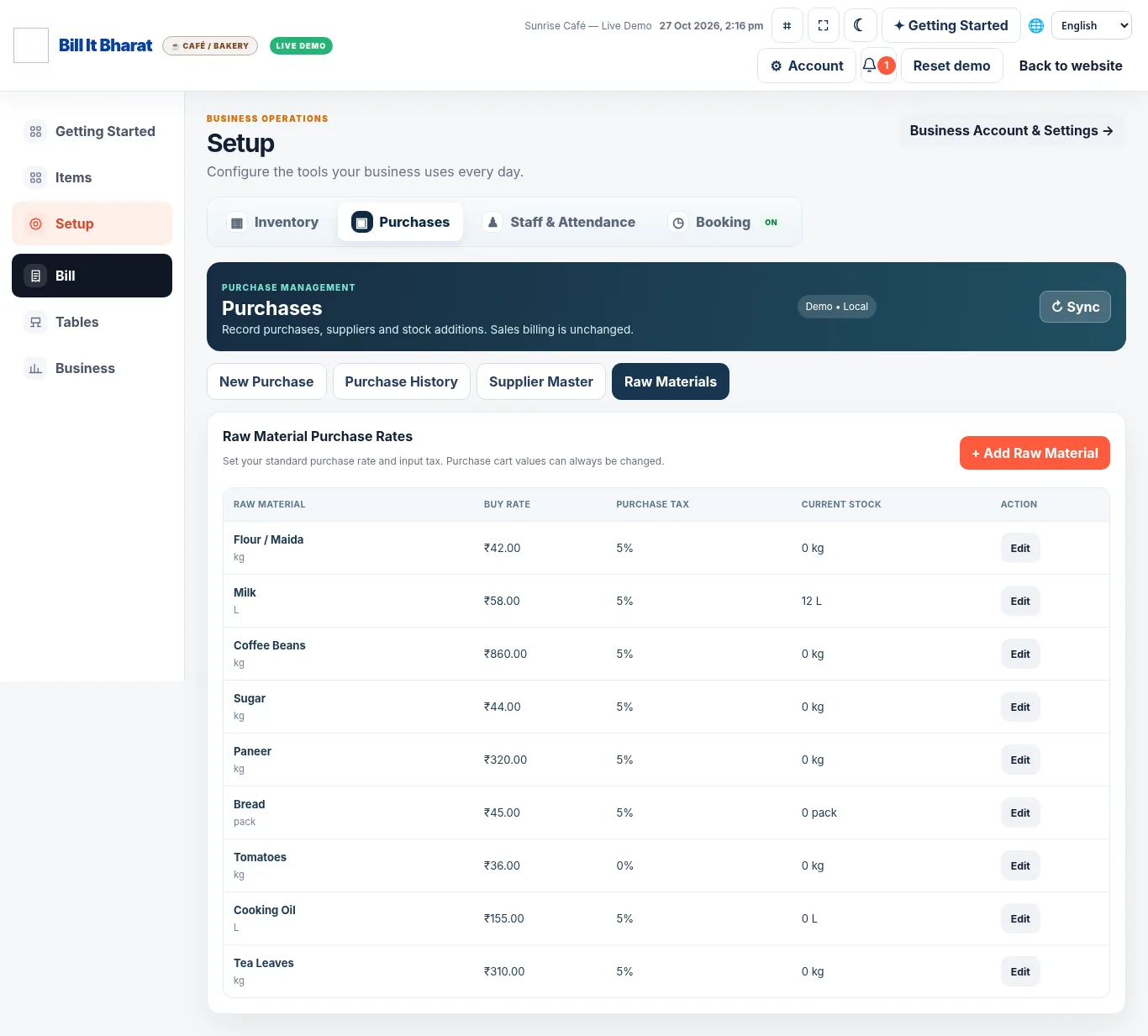
Your next steps
How it works
Choose or look up the supplier while entering a purchase.
Save the purchase and consult history when required.
Straight answers
Frequently asked questions
Can I add a supplier while purchasing?
The purchase workflow supports adding supplier details during purchase entry.
Can I find previous purchases?
Yes. Purchase History is available in the purchase module.