
Editorial guide · 28 October 2026 · Examples for Indian small businesses
Check whether a tax invoice is the right document
A GST tax invoice is not interchangeable with every type of shop bill. A registered supplier making a taxable supply generally issues a tax invoice; businesses under different GST treatments may need a bill of supply instead. Confirm the applicable document before configuring your counter.
CBIC Rule 46 describes tax-invoice particulars, including supplier details, serial number, date, descriptions, values and tax amounts. The details required for your sale can vary with the buyer, value and place of supply. Refer to the official text rather than copying an old invoice template.
Prepare the business and product details
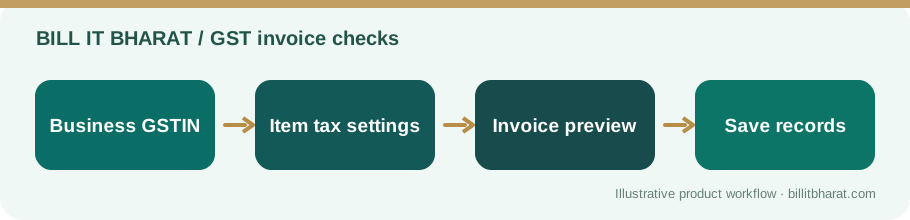
Enter your registered business name, address and GSTIN accurately. Configure item-level descriptions, units, HSN/SAC information where required, taxable values and rates that match the actual goods or services sold.
For example, a neighbourhood retailer selling taxable packaged goods should not use one blanket tax percentage for every category. Keep item defaults current and review exceptions before completing the bill.
Review the customer, totals and print
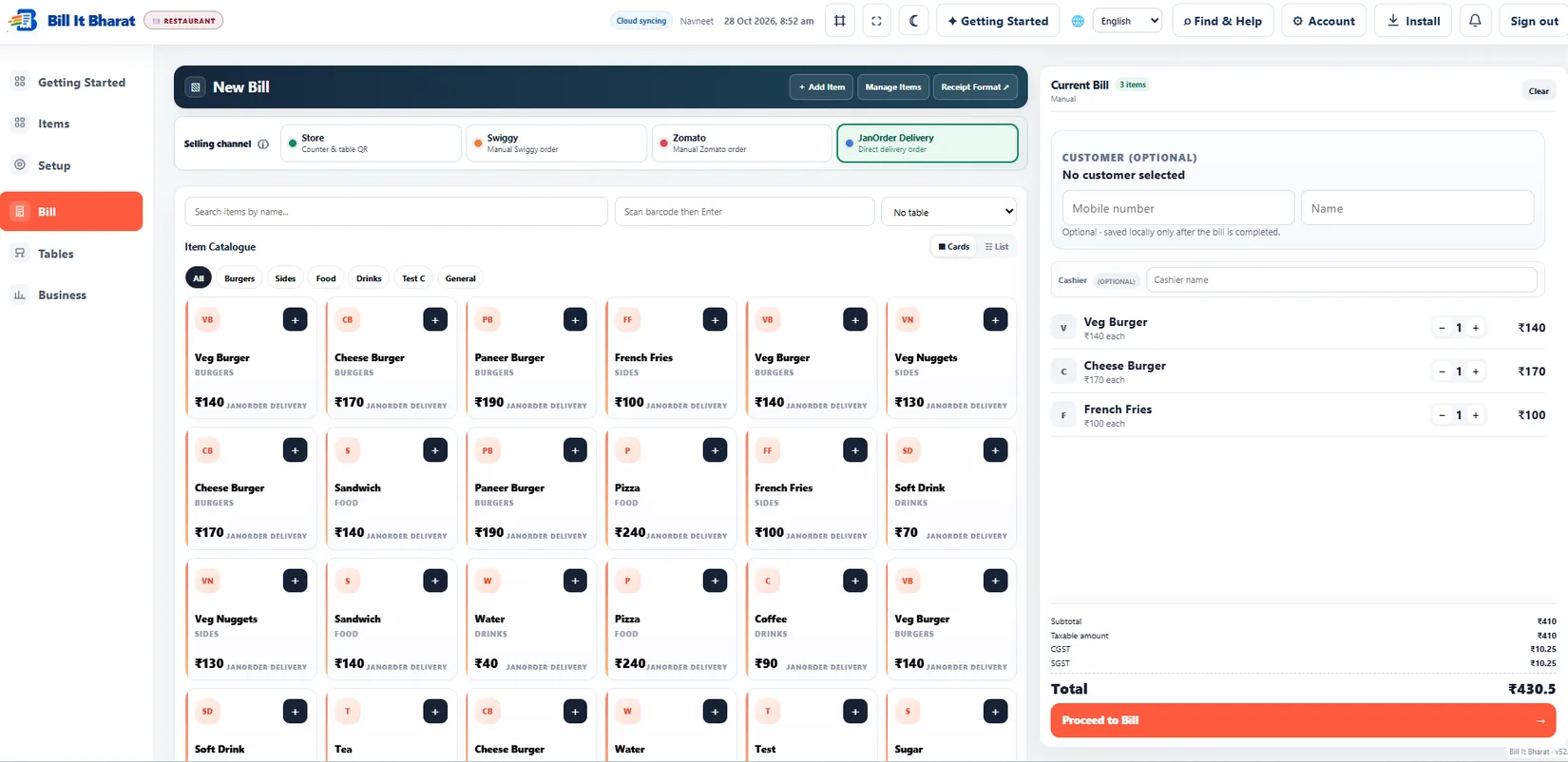
Check whether the recipient GSTIN, delivery address or place-of-supply information is relevant. Confirm quantity, discount, taxable amount and displayed CGST/SGST/IGST treatment as applicable.
Bill It Bharat supports GST and non-GST billing workflows and customizable invoice styles. The application helps prepare records, but the business remains responsible for selecting valid tax treatment and retaining accurate records.
Avoid common GST invoicing mistakes
Frequent mistakes include duplicate invoice numbering, incorrect buyer GSTIN, missing required fields, misclassified goods, and applying a remembered tax rate without checking recent rules.
Do not rely on a generic software demonstration as a tax opinion. For unusual supplies, reverse charge or e-invoice applicability, consult official GST guidance or a qualified tax professional.
Before sending a real GST invoice
A clean preview is a useful final check but does not replace legal validation. Compare the supplier GSTIN in the app with your registration certificate, check that the recipient details match the sale, and read the current CBIC rule for exceptional invoice situations. If a tax rate or place of supply is uncertain, keep that invoice in review rather than issuing it and promising to correct it later.
Example from a small business
A stationery store selling notebooks and office accessories can keep separately configured items; when a customer needs a GST invoice, the cashier reviews the tax details and buyer information before finalising.
Quick start checklist
- Confirm registration and correct invoice type.
- Complete the business GST profile and item tax details.
- Build a sample bill and review each mandatory field.
- Issue, print and retain the record according to applicable rules.
Frequently asked questions
Can an unregistered shop issue a GST tax invoice?
A tax invoice displaying GST should be issued only when appropriate for the supplier’s GST status. Non-GST businesses should not simply add GST to a regular receipt.
Does software file GST returns for me?
Do not assume that generating a GST bill automatically completes statutory filings. Verify filing and e-invoicing obligations separately.
Where can I check required fields?
CBIC Rule 46 is the primary reference for tax-invoice particulars.