
Create staff roles and add employees in Setup.
Bill It Bharat · Staff
Free Staff Management for Small Businesses
Maintain staff records, define team roles and generate individual employee QR badges.
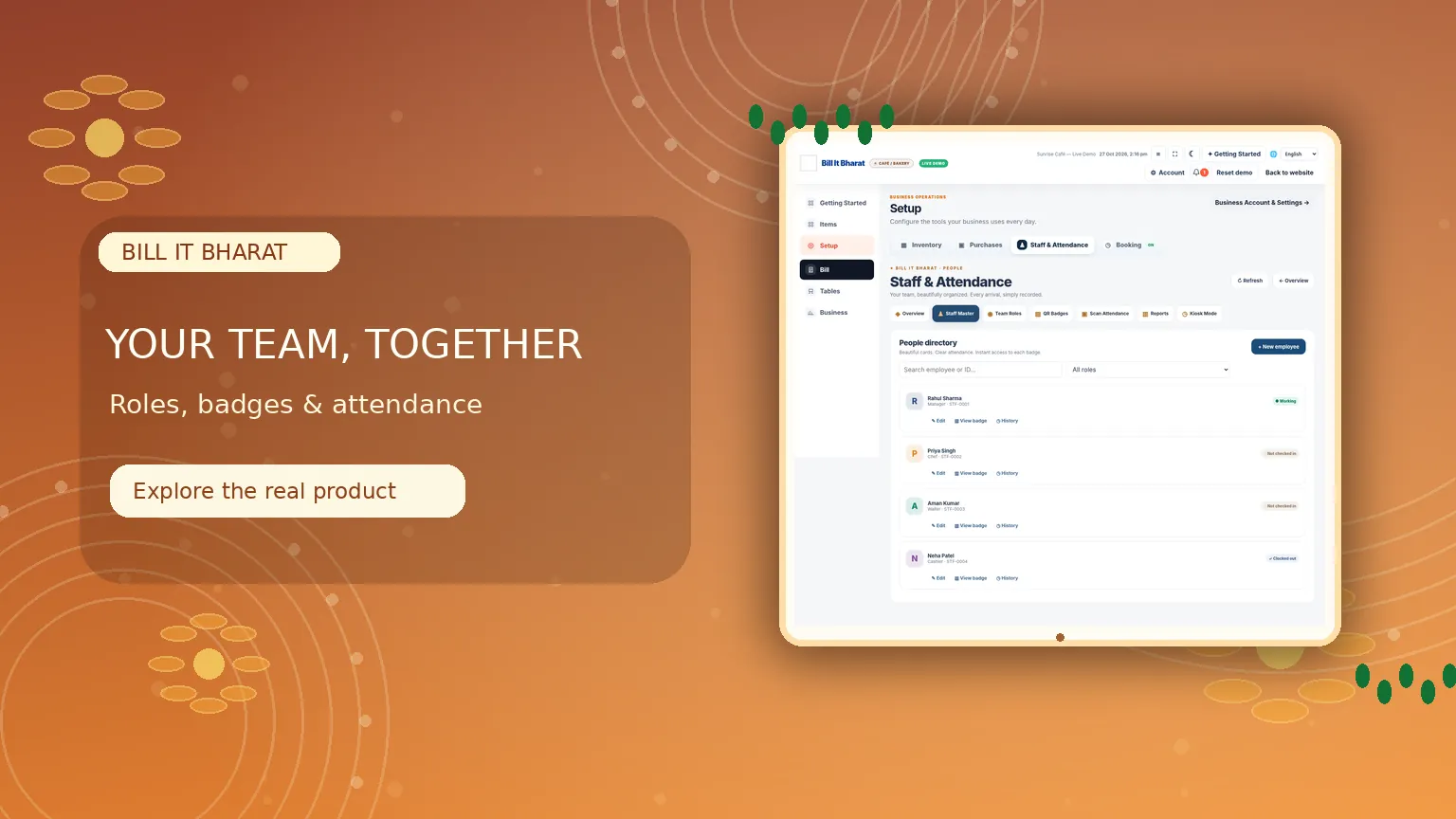
Inside the product
Give every team member a place
Maintain employee records, assign roles and issue printable attendance badges.
What this solves
A simpler way to manage staff
A small team still needs a straightforward way to identify staff, assign roles and keep attendance organised.
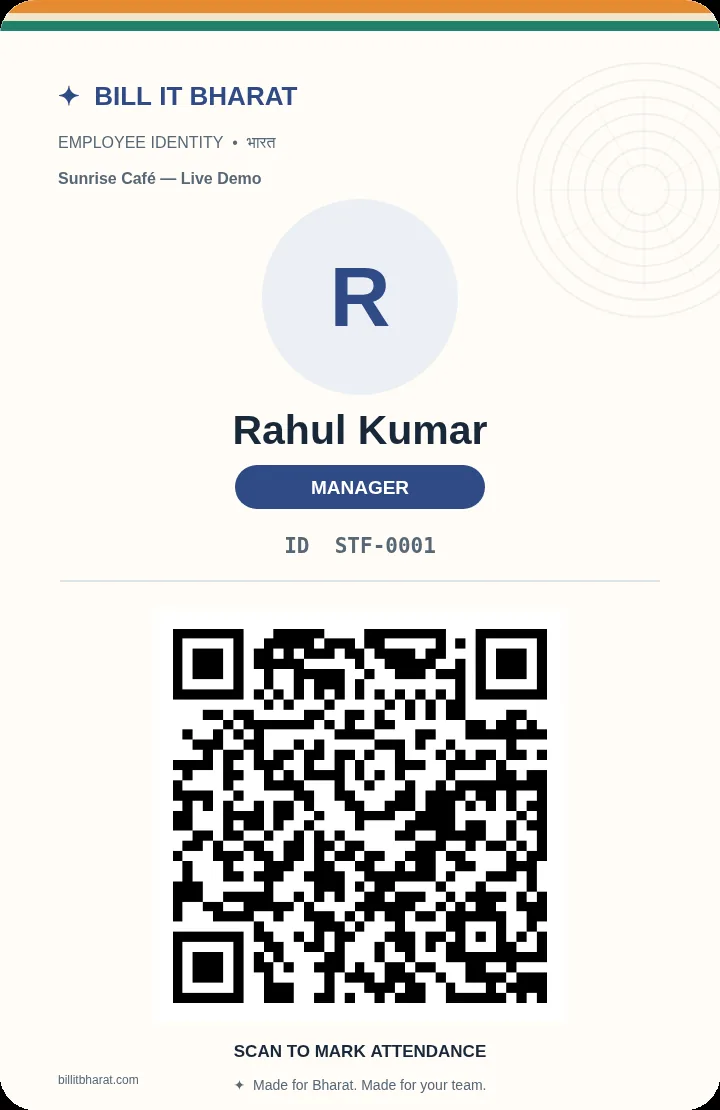
Create employees, assign predefined or custom roles and view or print employee QR badges. Managers can review who is checked in and manually check out a checked-in employee when needed.
- Employee master and team roles
- Individual QR badge generation and printing
- Employee status in the staff section
- Manager-initiated manual check out
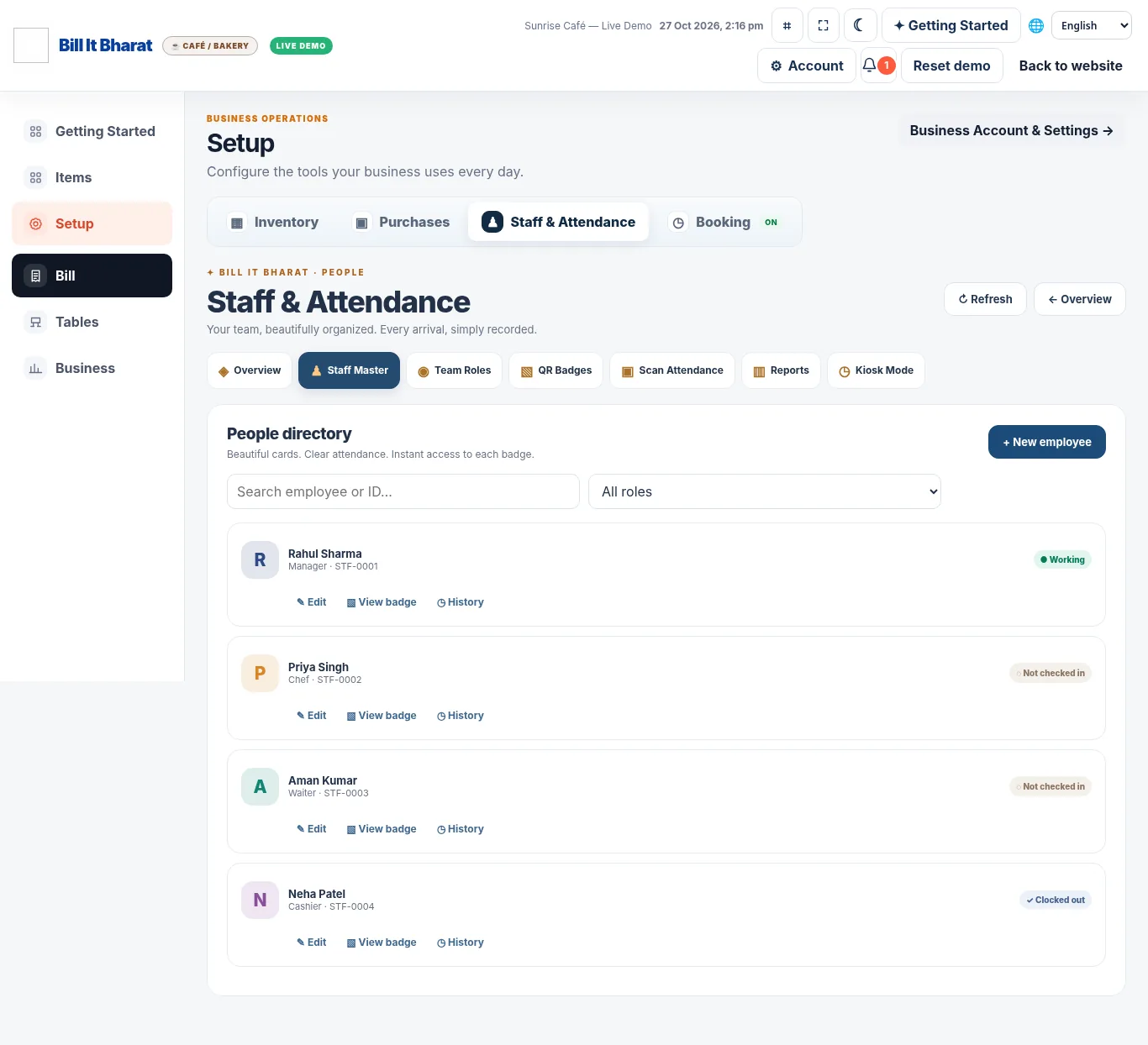
Real application capture using demo/sample data; your workspace may differ.
Product proof, not mockups
See what the actual application looks like
These are captured screens from the Bill It Bharat and JanOrder application demos. They are separate from the decorative illustrations.
Your next steps
How it works
Generate and print each employee’s QR badge.
Use the staff section to review status and manage records.
Straight answers
Frequently asked questions
Do employee photos have to be uploaded?
No. Employee photo upload is not required.
Can a manager check out an employee?
Yes. Managers can manually check out employees who are currently checked in.