
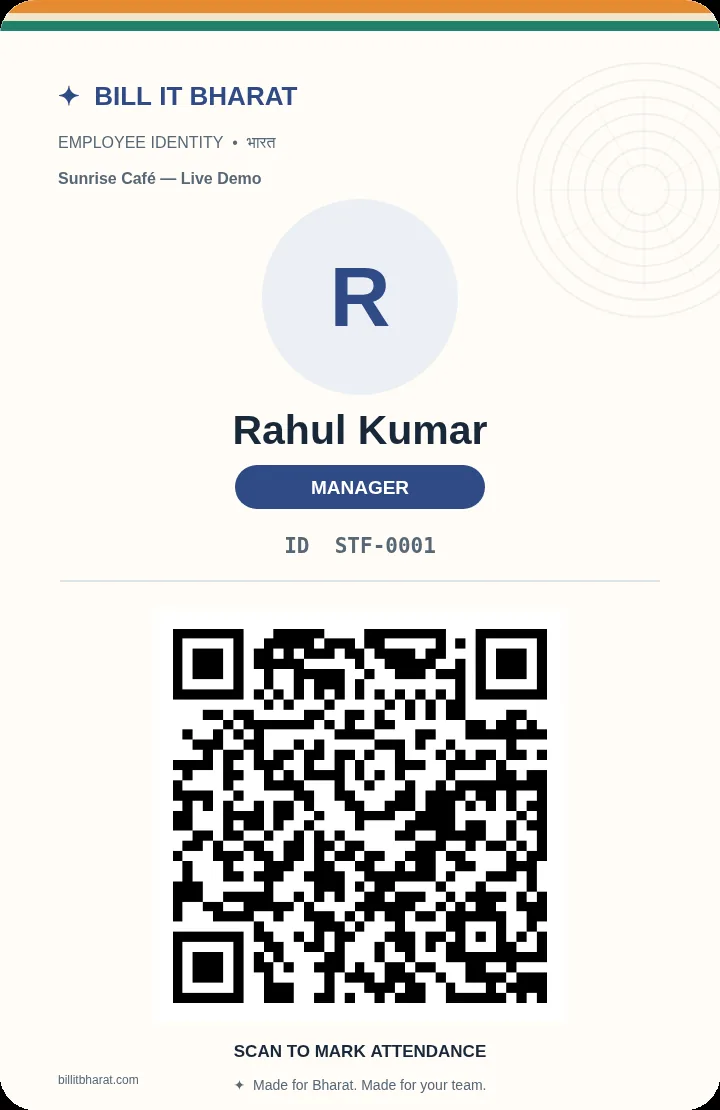
Add employees and print their badges.
Bill It Bharat · QR Attendance
QR Staff Attendance System for Small Businesses
Use scannable staff QR badges for check-in, check-out and attendance reporting.
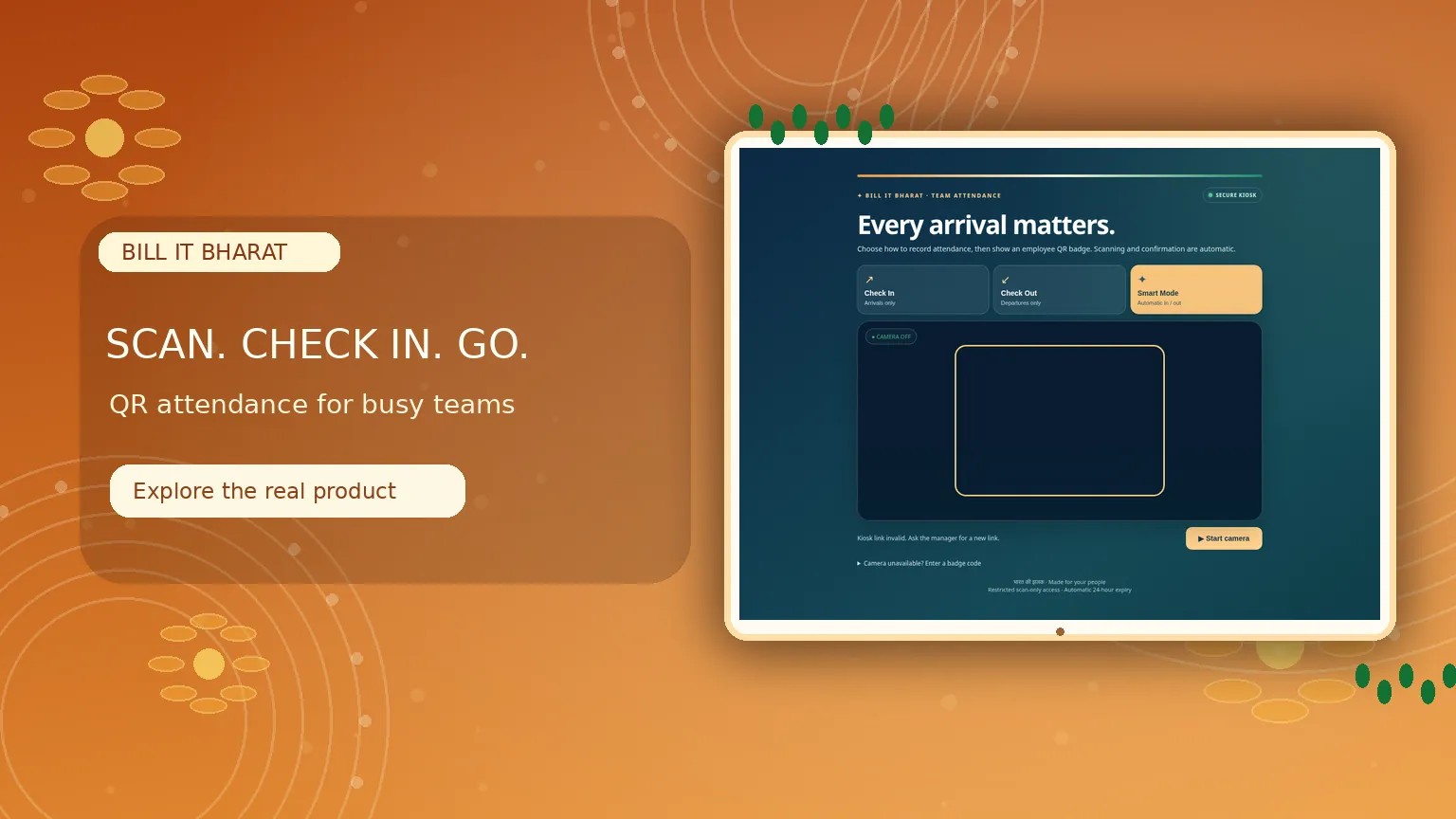
Inside the product
A simpler way to mark attendance
Select the scan mode, use a staff QR badge and review attendance records.
What this solves
A simpler way to manage qr attendance
Paper registers create avoidable effort at opening, shift changes and daily staff reviews.
A manager sets up employees and prints scannable badges. Employees scan their badges through the supported attendance kiosk; separate Check In, Check Out and Smart modes help match the attendance process to the business.
- Employee-specific scannable QR badges
- Check In, Check Out and Smart scanning modes
- Attendance dashboard and reports
- Manual checkout by the manager
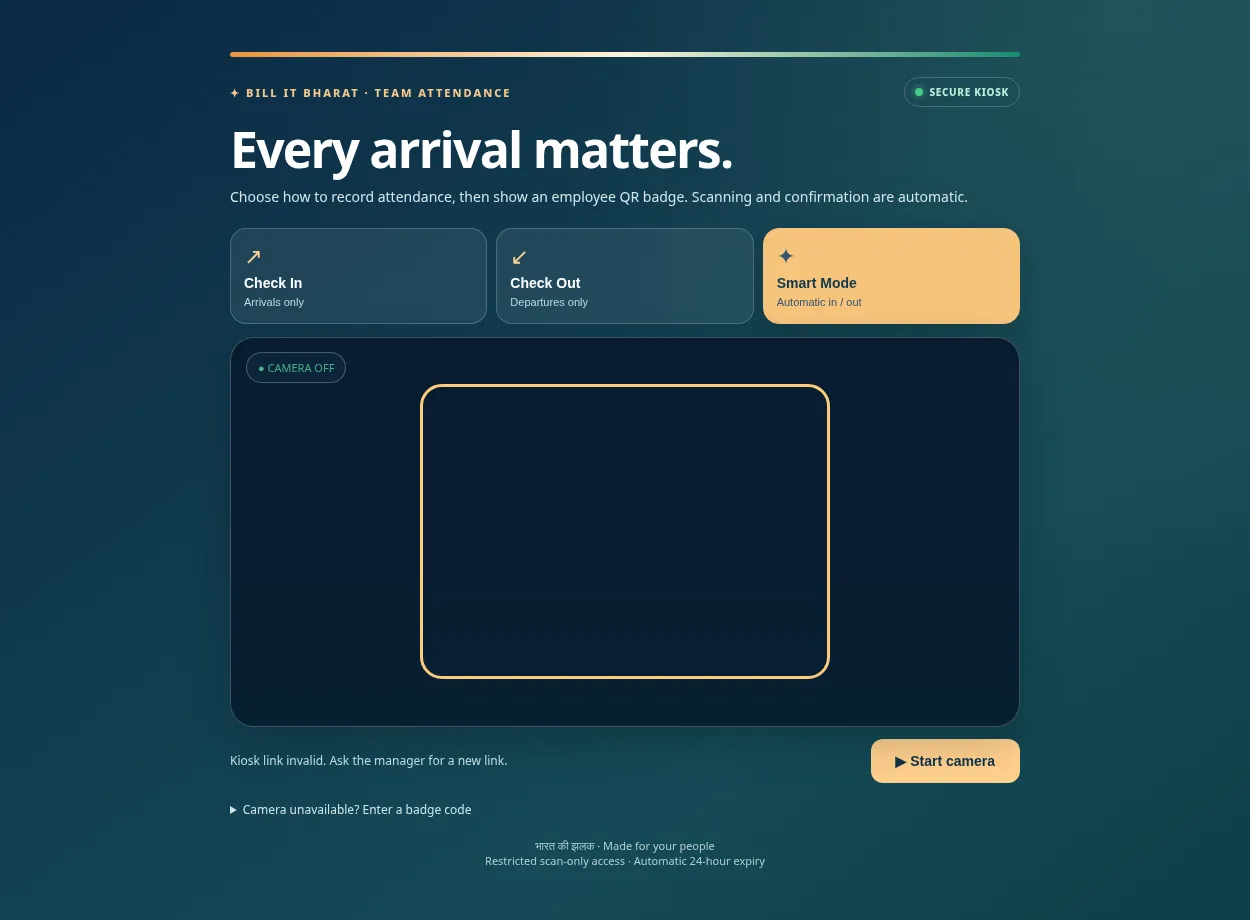
Real application capture using demo/sample data; your workspace may differ.
Product proof, not mockups
See what the actual application looks like
These are captured screens from the Bill It Bharat and JanOrder application demos. They are separate from the decorative illustrations.
Your next steps
How it works
Open the attendance scanning page and select the scanning mode.
Scan at arrival and departure, then review records.
Straight answers
Frequently asked questions
Do staff need their own login?
The supported QR attendance flow uses badges and a manager-configured scanning station.
What if somebody forgets to check out?
A manager can manually check out an employee who remains checked in.
Will an old revoked badge work?
Revoked badge credentials are rejected.
Make your workday simpler
Explore QR Attendance and the other tools in Bill It Bharat.
Start Free BillingLearn and try
Explore the full workflow
Read a practical guide or try a no-login simulation using fictional records.