
Editorial guide · 28 October 2026 · Examples for Indian small businesses
Create employees and assign roles
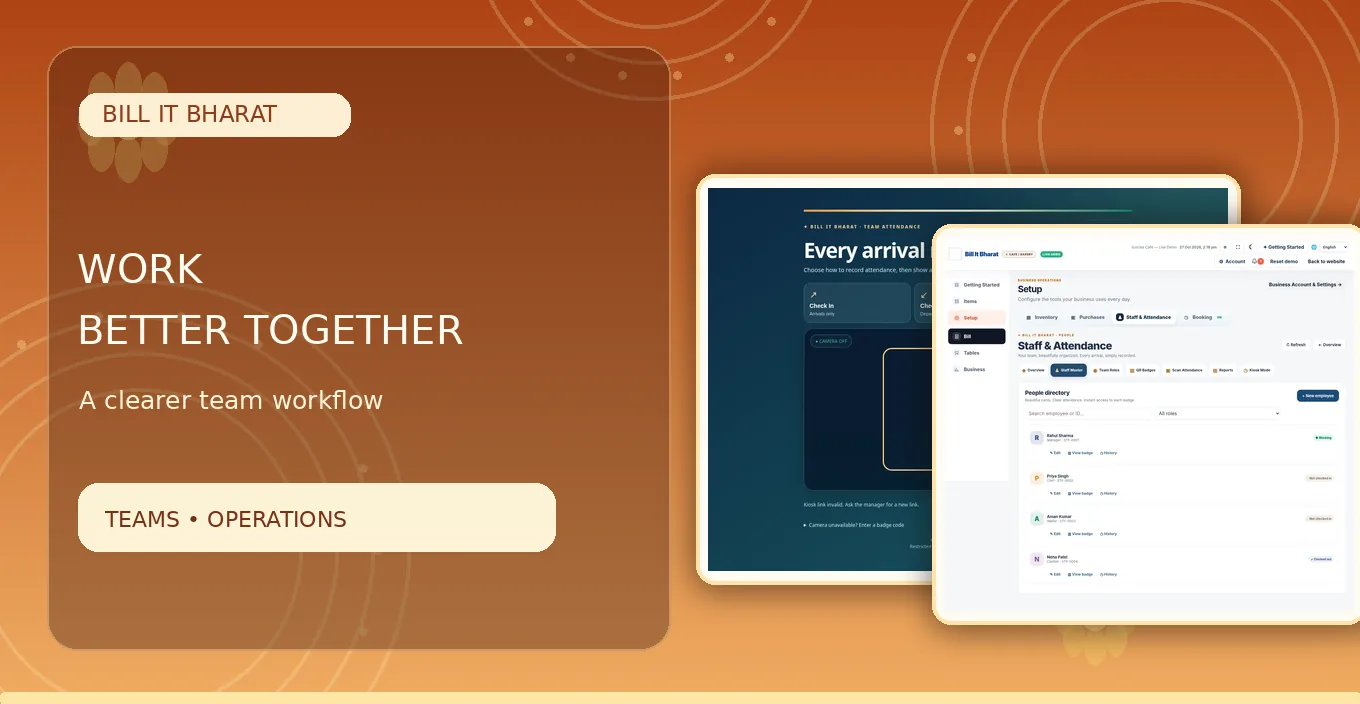
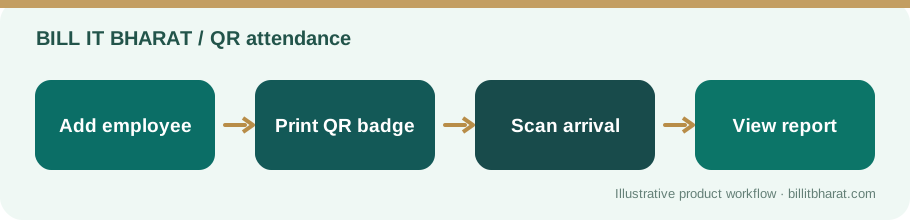
Add each employee with an accurate name and a role appropriate to the business. Print or share only that employee’s generated QR badge.
Bill It Bharat does not require employee photo uploads for this workflow.
Set up the scanning location
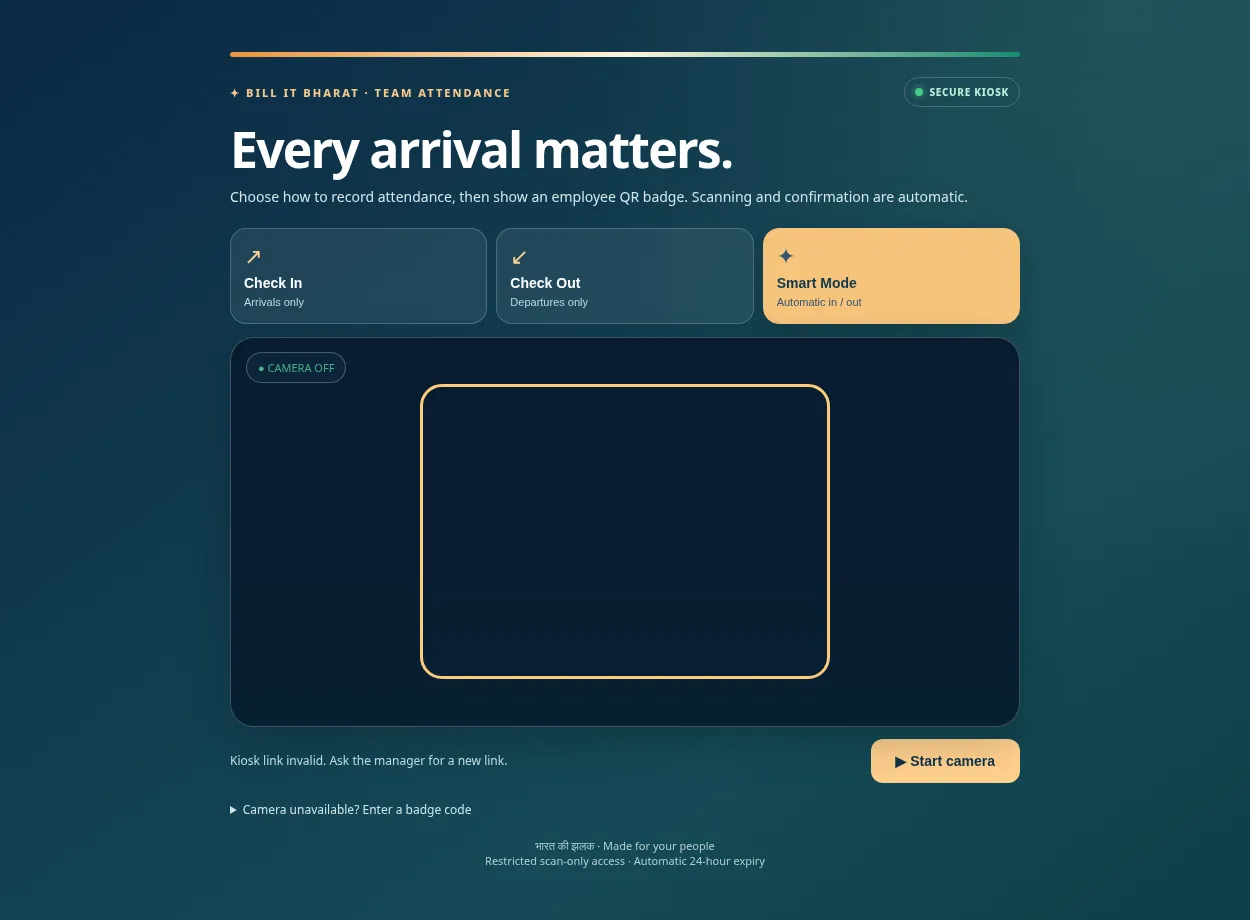
Position a compatible camera device where employees can comfortably present badges. Select Check In, Check Out or Smart mode based on the workflow.
Check camera permissions, screen brightness and lighting; a demo badge in a screenshot should not be used as a live employee credential.
Handle missed check-outs responsibly
Managers can review attendance status and manually check out staff who forgot, with a reason captured by the application.
Employee attendance records can have legal and employment implications. Establish a clear internal correction policy and follow local requirements.
Review daily and monthly records
Check unusual times before using data for payroll or disputes. Attendance is an operational record and should not be treated as a complete payroll-compliance system.
Protect staff details and provide appropriate notice about attendance collection.
Plan for a forgotten or damaged badge
A badge can become unreadable after being folded or photographed poorly. Have a manager verify the employee record and regenerate the badge through the proper application workflow rather than treating an arbitrary picture as proof of attendance. If a check-out was missed, use the auditable manager correction process.
Example from a small business
A bakery manager checks that three team members have clocked in before opening, and corrects a forgotten checkout after reviewing the shift.
Quick start checklist
- Create the staff role and employee.
- Generate a unique badge and print it.
- Scan using the configured mode.
- Review and correct missing checkout events when necessary.
Frequently asked questions
Do employees need their own app login?
No. The QR badge is used with a manager-configured attendance station.
Can a manager check out someone manually?
Yes, when an employee is still checked in.