
Editorial guide · 28 October 2026 · Examples for Indian small businesses
Start with a small role master
Define practical roles such as Cashier, Sales Assistant and Manager. Use consistent role labels so schedules and responsibilities are easy to understand.
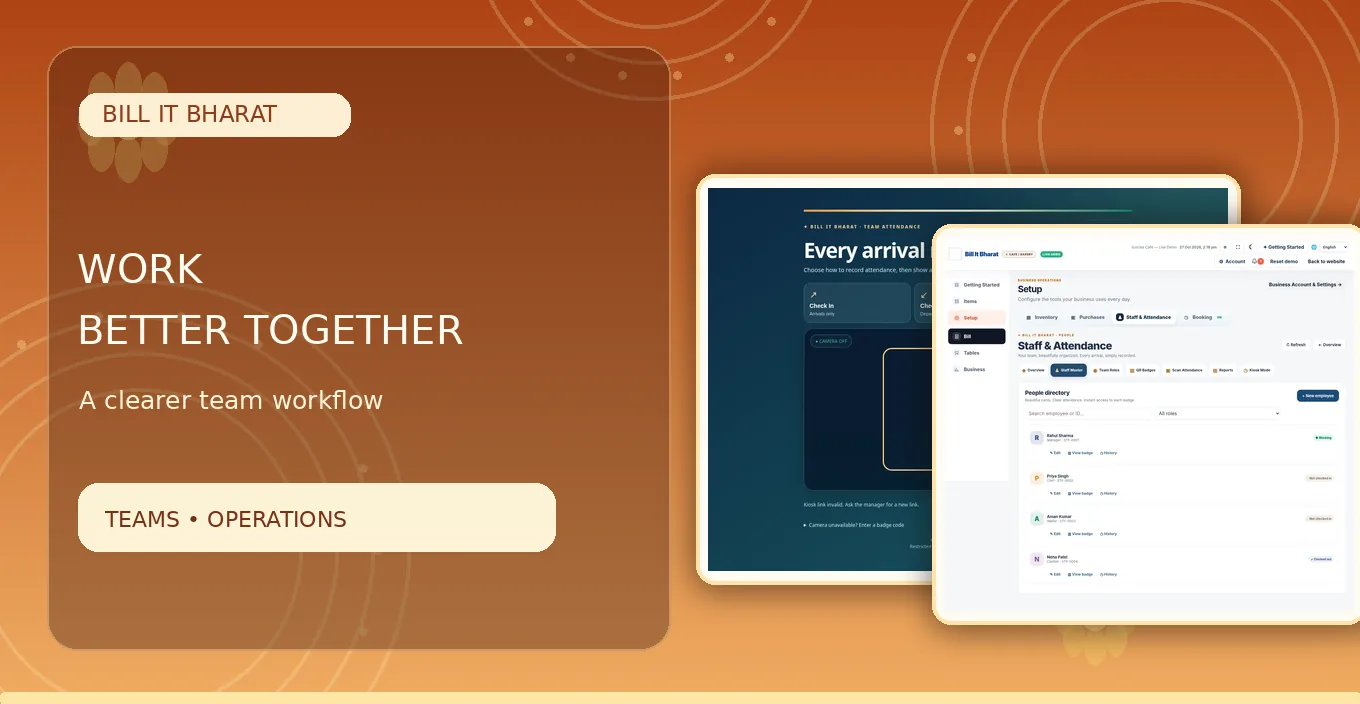
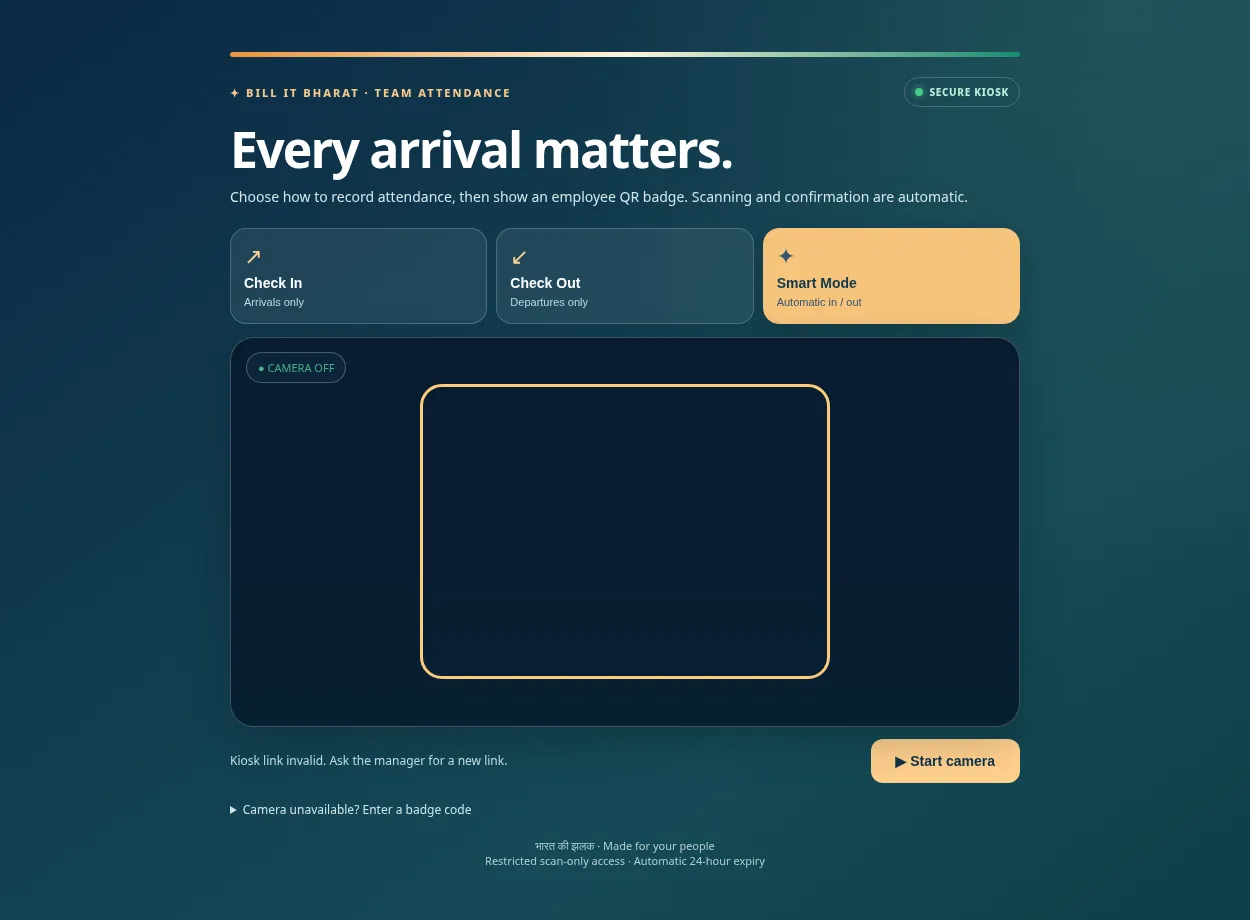
Bill It Bharat includes a staff master and role configuration, with QR badges for employee attendance.
Introduce a predictable check-in ritual
Staff scan their own badges at the same location on arrival. Demonstrate one successful check-in and checkout before asking everyone to use it unattended.
Do not use a public website demo QR as an actual badge; live badges are unique to employees and businesses.
Give managers limited correction authority
A manager may need to check out an employee who forgot. Record why a manual correction was made, rather than silently editing history.
A staff attendance system does not automatically replace labour compliance, leave policies or employment contracts.
Check the dashboard, not just individual scans
Review currently checked-in employees, daily exceptions and periodic attendance reports.
If an employee disputes a record, follow the business’s transparent correction procedure.
Keep attendance and payroll decisions distinct
A recorded scan is evidence of an event, not necessarily proof of paid working hours. Breaks, assigned shifts, leave approvals and employment terms may need separate review. Use attendance reports as one input and discuss corrections with the employee before relying on them for wages or disciplinary decisions.
Example from a small business
A grocery store with one cashier and two floor assistants can distinguish shift attendance without a paper book.
Quick start checklist
- Set employee roles.
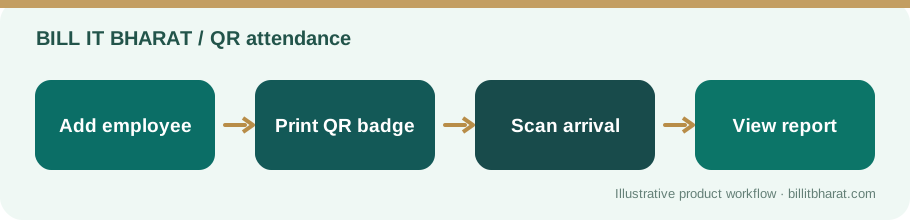
- Add employees and issue QR badges.
- Test arrival and departure scans.
- Review manager dashboard and exceptions.
Frequently asked questions
Is an employee image required?
No. Staff image upload is not required.
Can managers correct forgotten checkout?
Yes, the application provides manager manual checkout.