
Editorial guide · 28 October 2026 · Examples for Indian small businesses
Compare the work at the counter
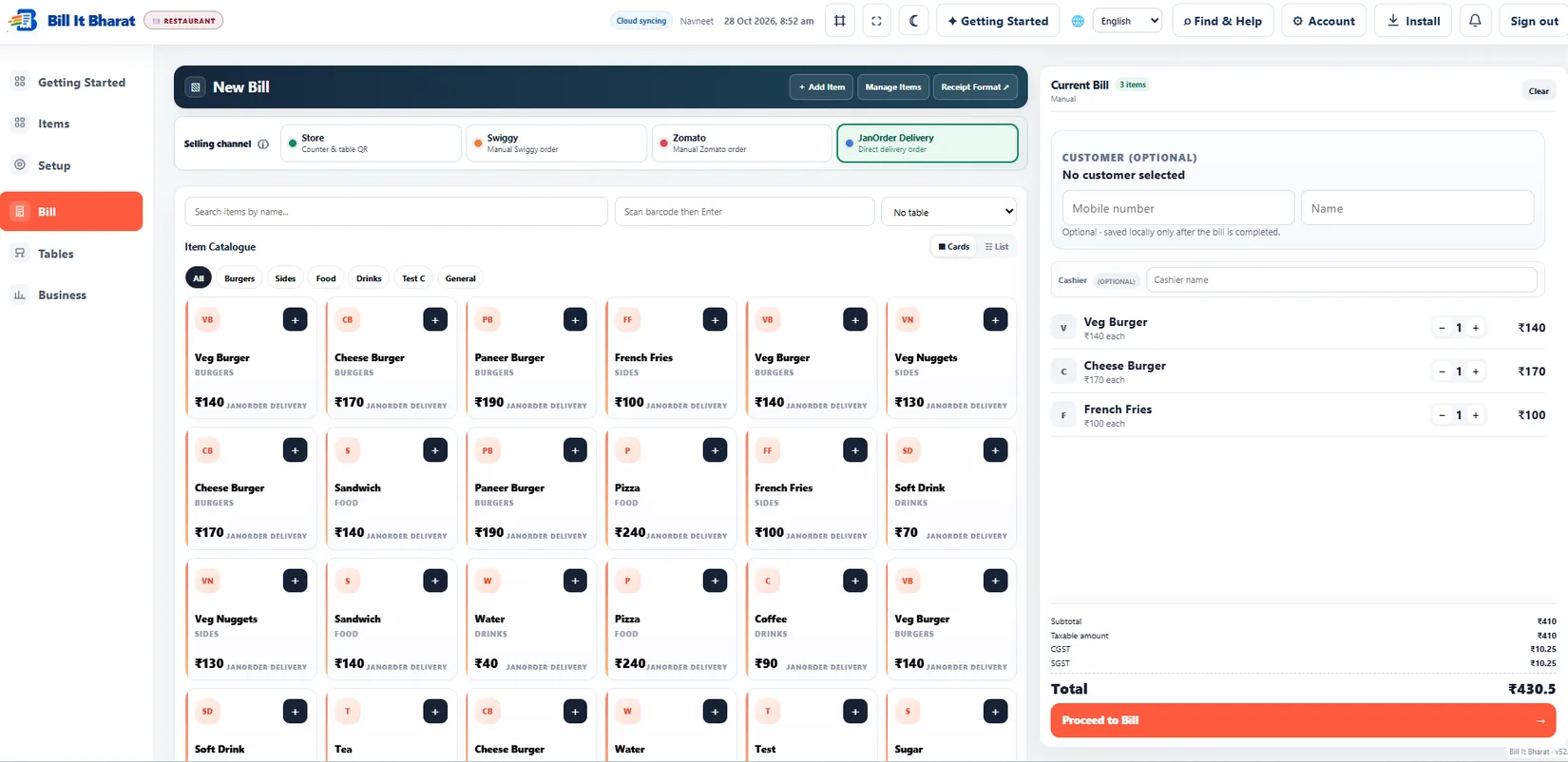
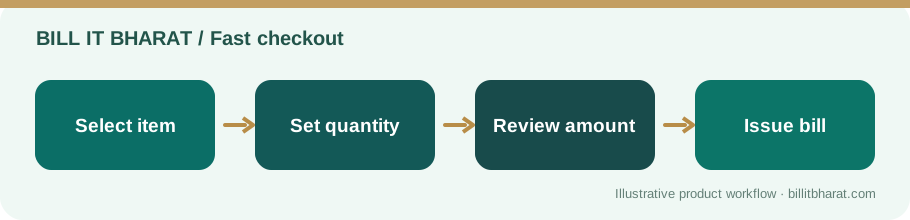
A handwritten bill requires legible product names, quantities and calculations for each customer. A configured billing app can reuse item prices and calculate totals consistently.
Software still requires correct configuration. Wrong product prices or taxes entered once may affect many bills.
Consider inventory and supplier records
A notebook may be enough for occasional stock receipts; it becomes harder when dozens of products move every day.
Bill It Bharat connects item masters, purchases and supplier records so staff can trace more of the daily workflow.
Assess the real costs and constraints
A browser-based billing tool can run on a compatible mobile or desktop device, but printer, connectivity, staff training and data backups still matter.
Do not treat a free software message as a promise of unlimited cloud storage or support for every device.
Decide with a one-day trial exercise
Create ten products, make five test sales, record a purchase and review the sales report. Compare the time and correction effort with the manual method.
Keep backups and sample receipts separate from real customer records while testing.
Measure fewer errors, not merely faster typing
Compare a simple day’s work across both methods: number of corrections, ability to locate a past invoice, stock discrepancies and time needed to produce a trustworthy day-end total. A printed digital receipt is only better than a handwritten one when quantities, tax settings and record recovery are dependable.
Example from a small business
A small clothing shop can test a discount and tax scenario in the application instead of recomputing totals manually every time.
Quick start checklist
- Write down your existing billing workflow.
- Create a matching sample item catalogue.
- Try billing, reports and purchase entry in software.
- Compare errors, time and recovery readiness.
Frequently asked questions
Does free software remove all operating costs?
No. Businesses still supply devices, printing materials and their own operational processes.
Can I keep paper records too?
Yes. A documented backup or reconciliation process is sensible.