
Before you begin
Use the current Bill It Bharat application in a supported browser, open the relevant business workspace and confirm you have access to the section described.
Step-by-step
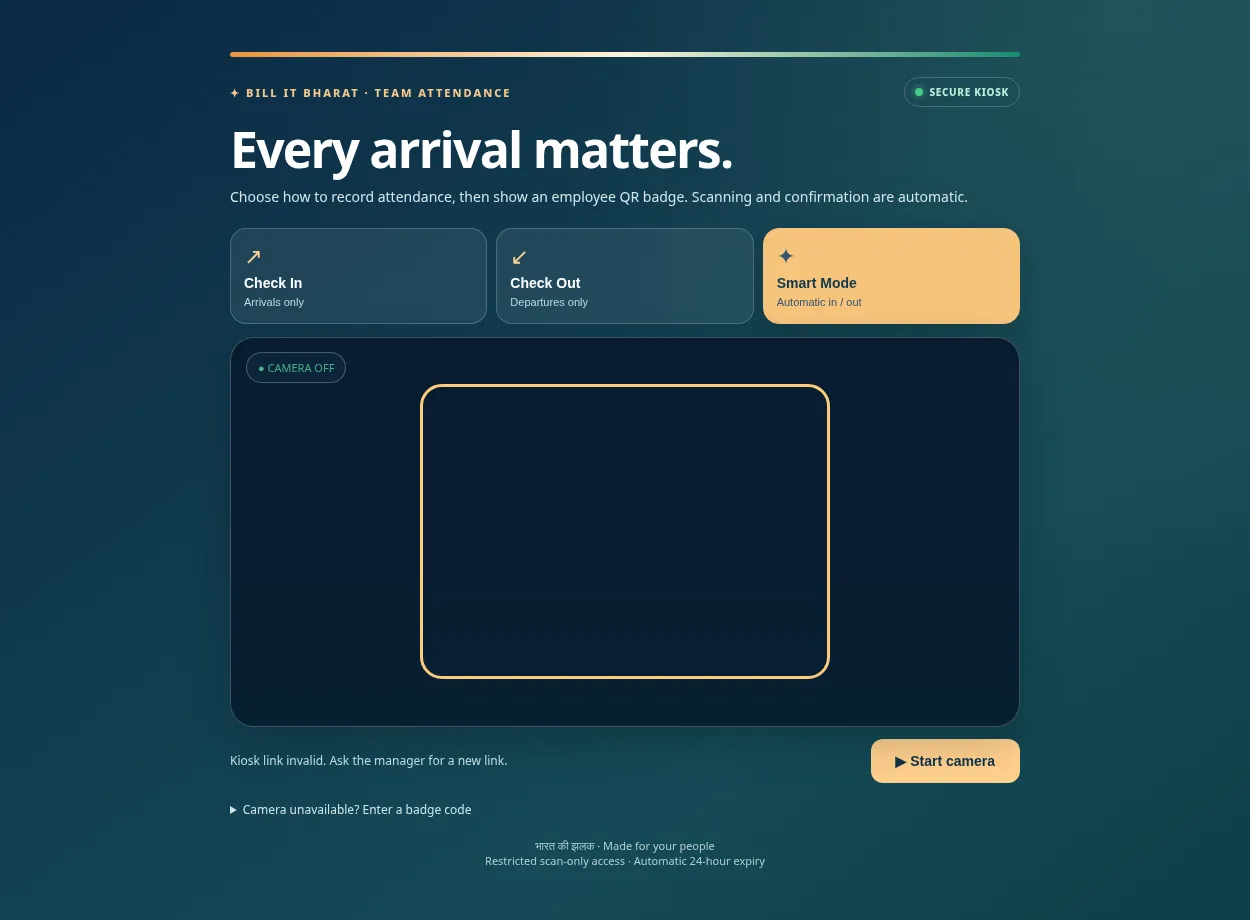
- Open the staff attendance kiosk with camera permissions.
- Choose the intended mode and scan a test badge while watching the confirmation.
Expected result
The correct arrival or departure event appears in attendance history.
If something does not work
If camera permission is blocked, grant it to the browser and reload.
Need additional help? Contact support — do not email customer passwords or sensitive transaction records.