
Bill It BharatStart Free Billing
☰ Menu
Restaurant QR Ordering & KDS

Set up a Storefront On-site QR

Generate the storefront on-site code in the current app, print a readable card and scan it at the counter. It should open on-site ordering without a required table number.

Real product orientation

See the application in context

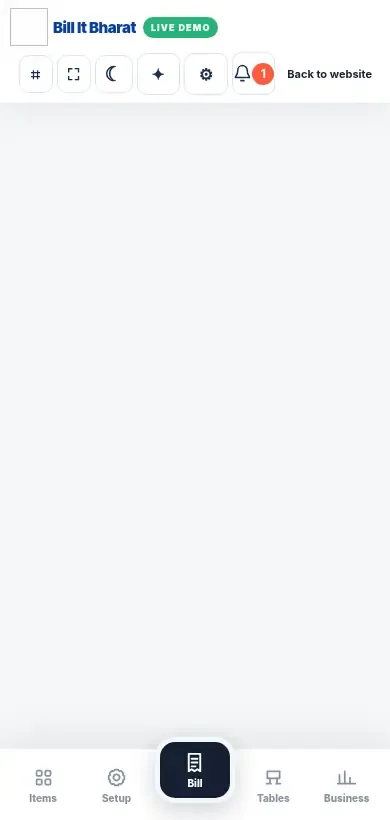
A product screenshot to orient you before following the steps.

Explore a sample workflow →
Actual KDS demo screen in its empty state; not a populated ticket board.

Before you begin

Use the current Bill It Bharat application in a supported browser, open the relevant business workspace and confirm you have access to the section described.

Step-by-step

  1. Generate the storefront on-site code in the current app, print a readable card and scan it at the counter.
  2. It should open on-site ordering without a required table number.

Expected result

The order is labelled Storefront On-site in Command Center.

If something does not work

Reprint old storefront cards that still point to earlier direct-delivery links.

Need additional help? Contact support — do not email customer passwords or sensitive transaction records.

Make your business day simpler

Start with sample products or a blank item catalogue; configure your own business details before using real bills.

Start Free Billing →