
Bill It BharatStart Free Billing
☰ Menu
Reports, Settings & Cloud Backup

Understand the free-mode device recommendation

For the free workflow, use one primary billing device and download regular backups of local transaction records. Essential item and business masters may be cloud-backed; do not assume all historical bills automatically sync.

Real product orientation

See the application in context

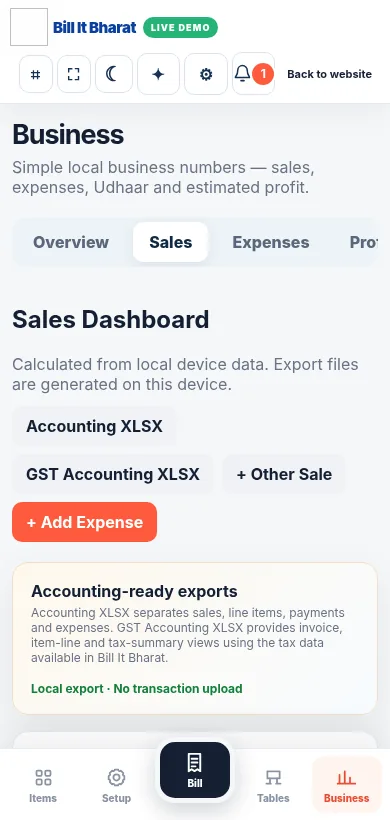
A product screenshot to orient you before following the steps.

Explore a sample workflow →
Actual sample sales reporting view from the business demo.

Before you begin

Use the current Bill It Bharat application in a supported browser, open the relevant business workspace and confirm you have access to the section described.

Step-by-step

  1. For the free workflow, use one primary billing device and download regular backups of local transaction records.
  2. Essential item and business masters may be cloud-backed; do not assume all historical bills automatically sync.

Expected result

You can explain which records are local and keep a repeatable export schedule.

If something does not work

Cloud Backup Available. Review current account settings for availability; never assume a successful local export is a remote backup.

Need additional help? Contact support — do not email customer passwords or sensitive transaction records.

Make your business day simpler

Start with sample products or a blank item catalogue; configure your own business details before using real bills.

Start Free Billing →