
Before you begin
Use the current Bill It Bharat application in a supported browser, open the relevant business workspace and confirm you have access to the section described.
Step-by-step
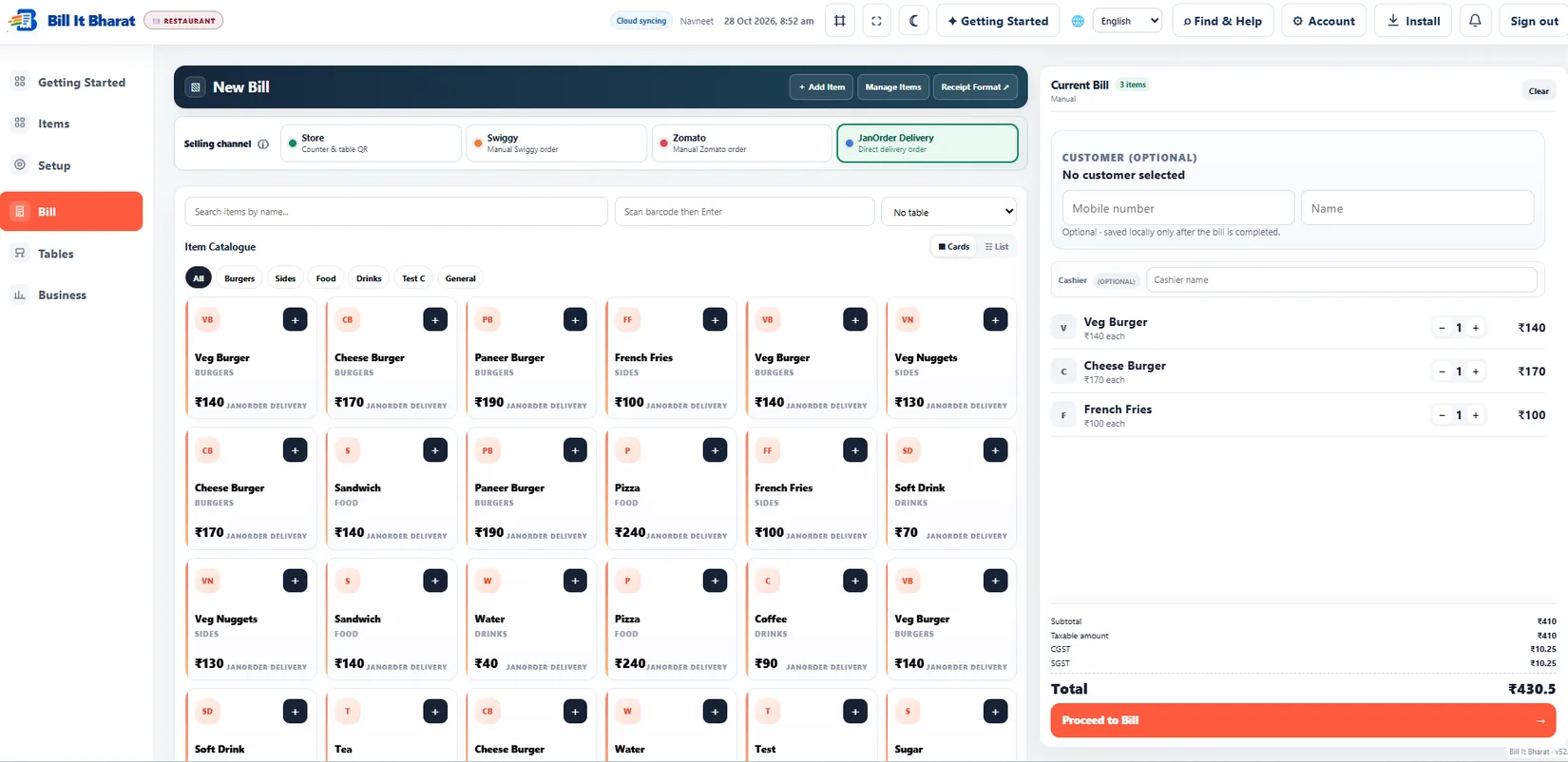
- Add at least one product, configure applicable tax details, open Billing, select the item, verify quantity and total, then save a sample bill.
- Open Sales History to confirm it exists.
Expected result
The sample sale is visible in the saved history on the device.
If something does not work
Check browser storage, errors and local data backup guidance before proceeding.
Need additional help? Contact support — do not email customer passwords or sensitive transaction records.