
Bill It BharatStart Free Billing
☰ Menu
Billing & Invoice Templates

Find, print and back up past bills

Use Sales History to find a saved bill and inspect the receipt. Export a current data backup from Settings to a safe location and verify the file was downloaded.

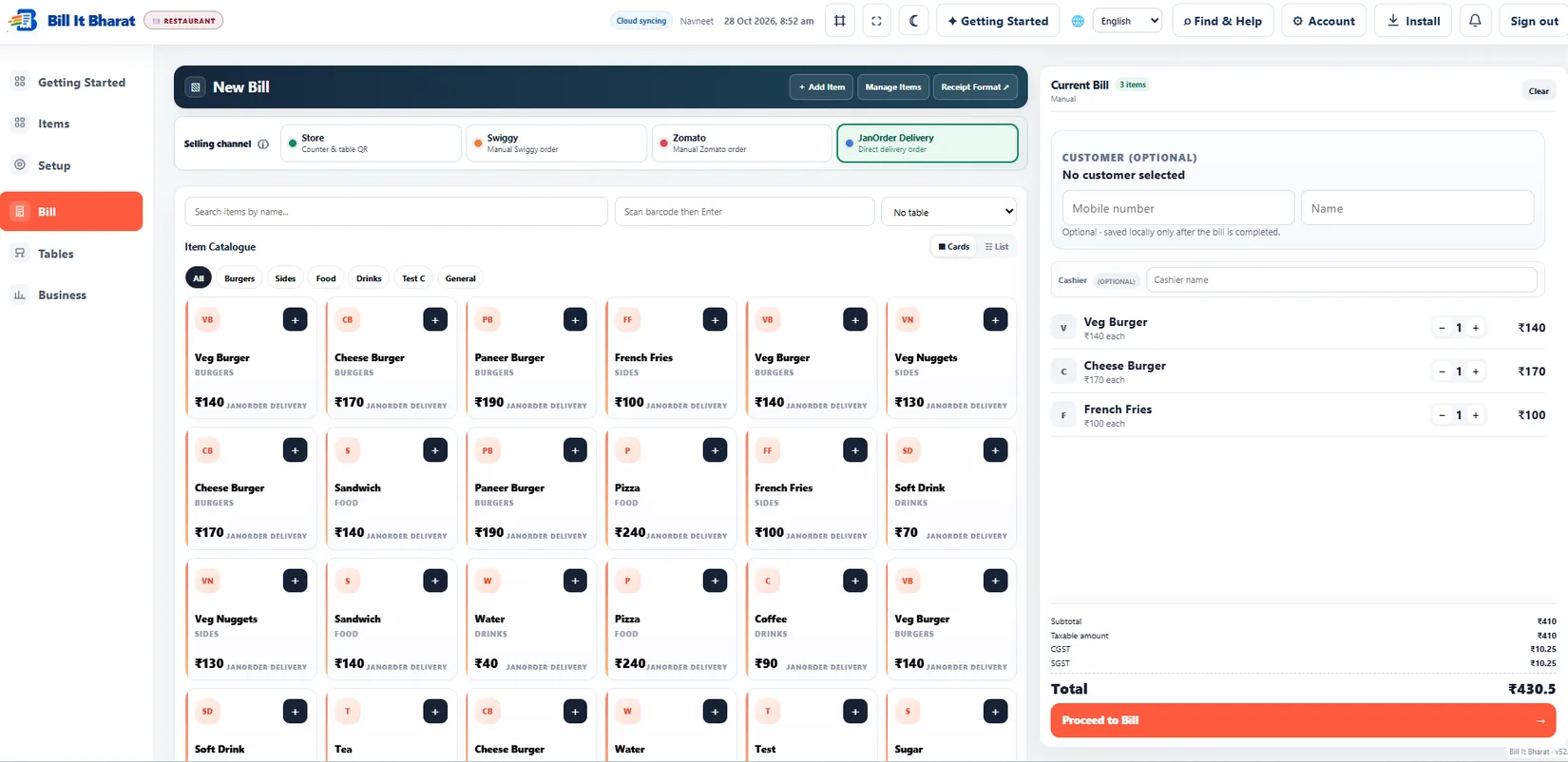
Real product orientation

See the application in context

A product screenshot to orient you before following the steps.

Explore a sample workflow →
Actual counter-billing workspace, shown using sample data.

Before you begin

Use the current Bill It Bharat application in a supported browser, open the relevant business workspace and confirm you have access to the section described.

Step-by-step

  1. Use Sales History to find a saved bill and inspect the receipt.
  2. Export a current data backup from Settings to a safe location and verify the file was downloaded.

Expected result

A bill is found in history and a backup file exists outside the browser.

If something does not work

One device may hold local transactions that do not automatically appear on another device.

Need additional help? Contact support — do not email customer passwords or sensitive transaction records.

Make your business day simpler

Start with sample products or a blank item catalogue; configure your own business details before using real bills.

Start Free Billing →