
Editorial guide · 28 October 2026 · Examples for Indian small businesses
Reduce confusing menu choices
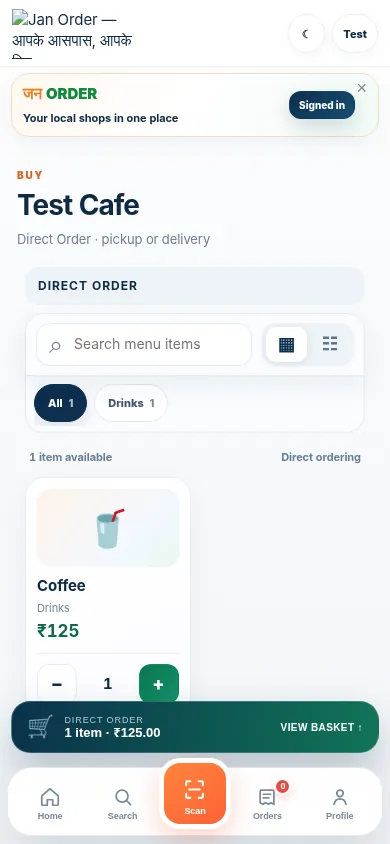
Avoid duplicate item names such as “Regular” with no context. Use categories and clear variants, and keep unavailable items updated when the menu supports it.
When menu prices change, test what the diner sees before printing marketing materials.
Give every order a reliable identity
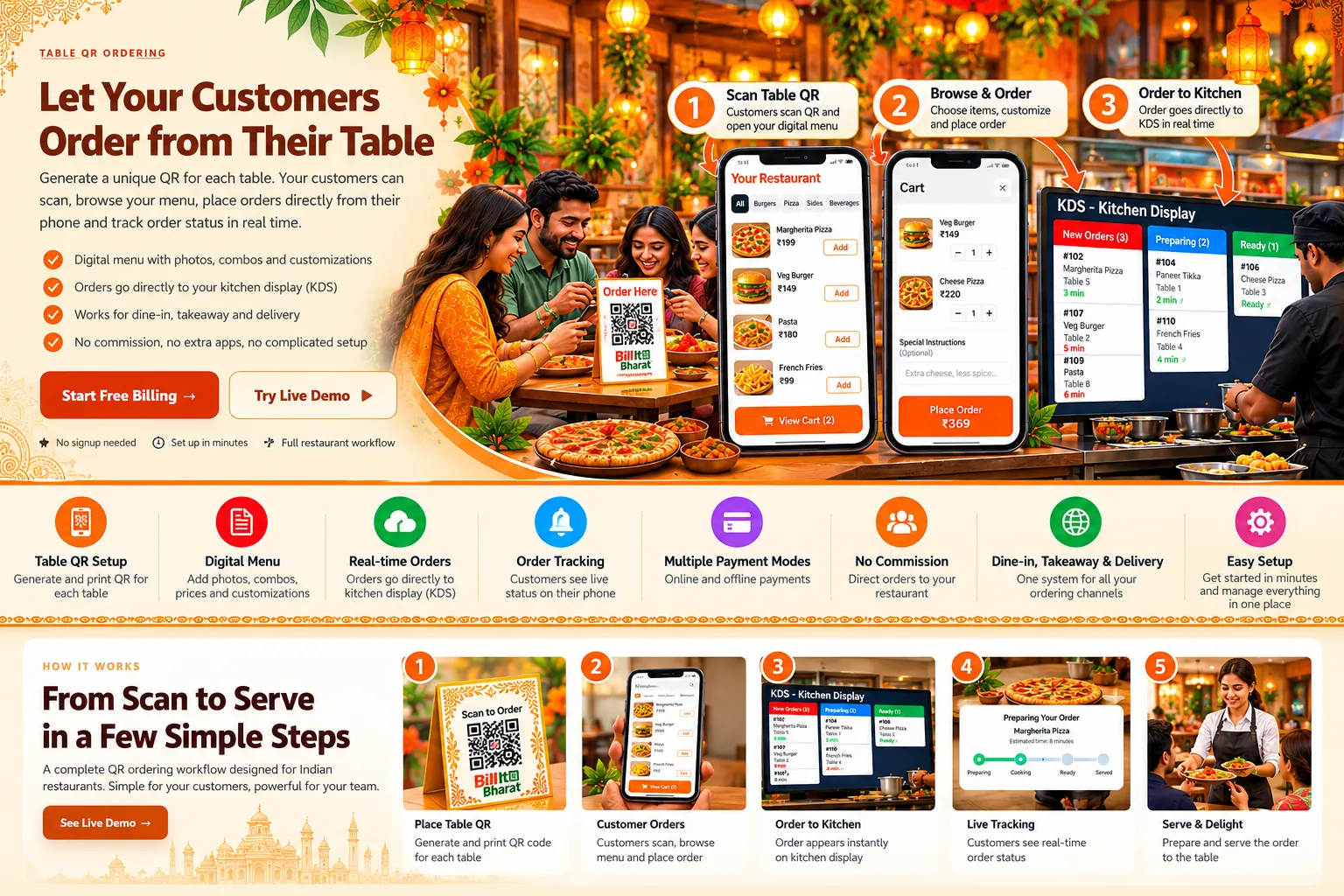
Table orders should carry a table context. On-site counter orders and JanOrder delivery requests should be distinguishable in the manager view.
A kitchen ticket with only a product name but no order context invites accidental mix-ups during a rush.
Use a single agreed preparation flow
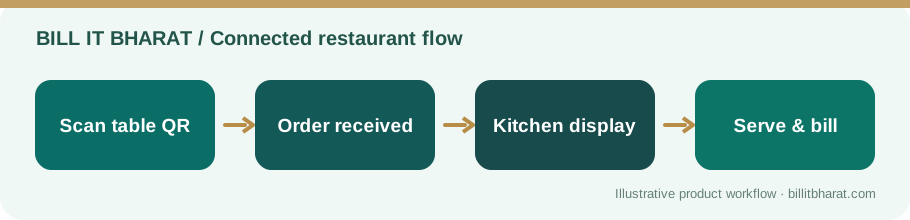
Staff should know when to accept, prepare, mark ready and serve. Create a basic fallback when a device loses connectivity.
Avoid competing handwritten, phone and screen instructions for the same order unless the team clearly reconciles them.
Learn from exceptions
Keep a small log of wrong items, missed notes and late handoffs. Separate mistakes caused by menu setup from those caused by the kitchen or front counter.
A practical review of five incidents can be more useful than an unsupported promise that software eliminates all errors.
Review one exception end-to-end
If a diner receives the wrong item, trace the exact selected menu item, the submitted order, the kitchen ticket, the preparation status and the serving handoff. Fix the first point where the information diverged. Simply telling the staff to “be more careful” rarely corrects a misleading menu name or ambiguous kitchen label.
Example from a small business
A restaurant sells both paneer sandwiches and grilled vegetable sandwiches. Clear names and kitchen tickets help staff avoid preparing the wrong variation.
Quick start checklist
- Review menu names and variants.
- Check QR order labels and KDS tickets.
- Assign acceptance and preparation responsibility.
- Review exceptions after a busy shift.
Frequently asked questions
Will digital ordering prevent every error?
No. It can reduce manual handoffs, but setup and human checks still matter.
Does Bill It Bharat distinguish order origins?
The Command Center labels supported table, on-site and JanOrder channels.