
Editorial guide · 28 October 2026 · Examples for Indian small businesses
Map the information you repeat every day
Item names, selling prices, customer contacts, supplier identities and tax configuration are frequently reused. A central master reduces repetitive typing when used carefully.
Define who may edit each master, especially when multiple employees share operations.
Connect purchase and sales routines
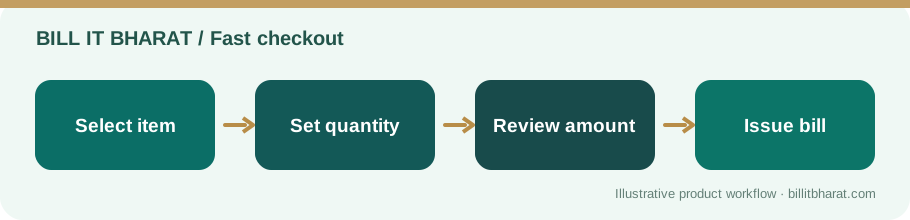
An inventory-focused shop can record received goods and then sell those same items through billing. Food businesses can maintain raw material purchase records separately from menu items.
Review tax and unit settings independently for purchases and sales; one does not always equal the other.
Include staff and food operations only where relevant
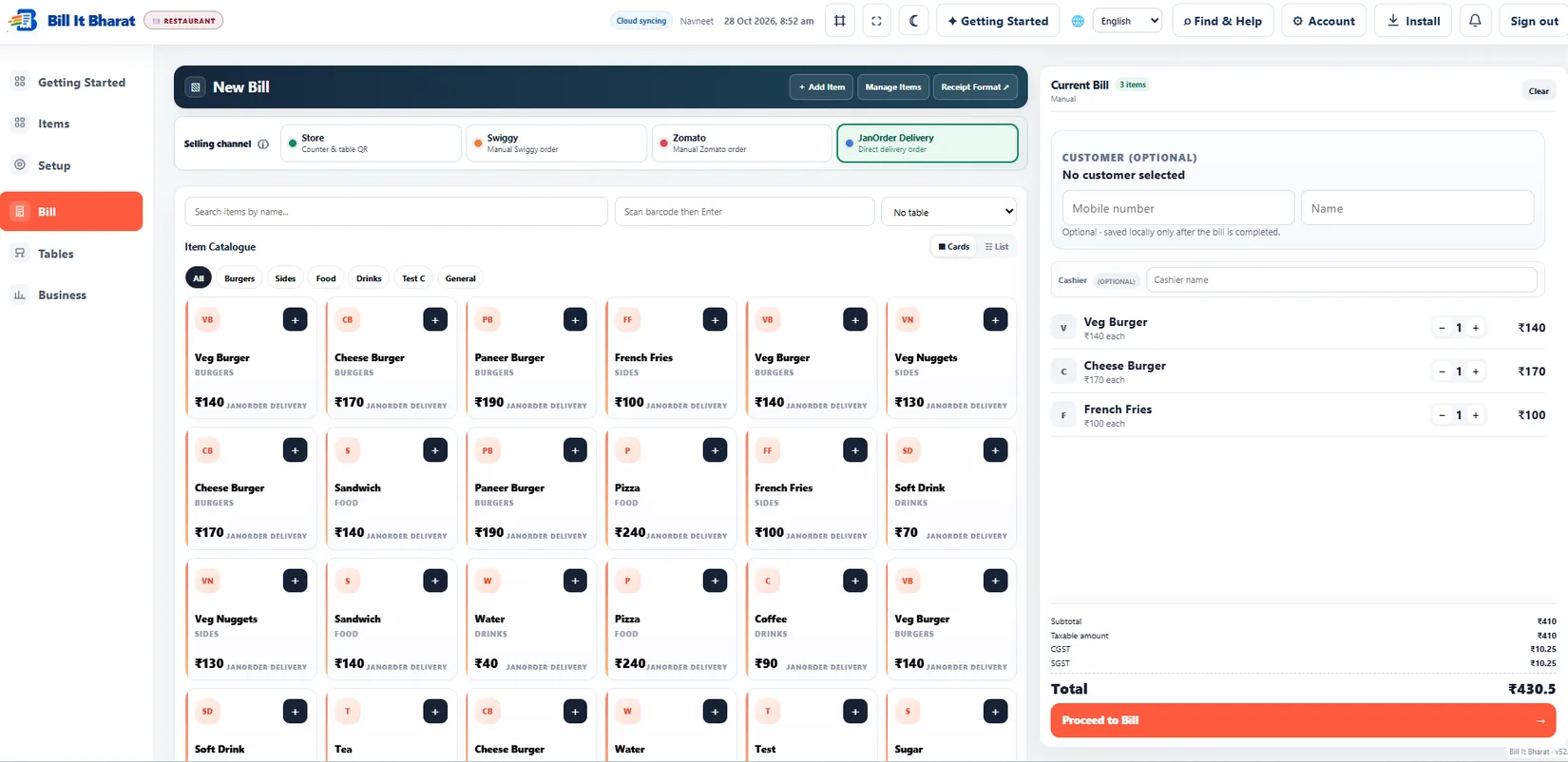
A restaurant may gain value from QR table ordering and KDS. A retail kiosk might instead care most about barcode billing and supplier entries.
Avoid enabling features merely because they exist. A smaller, well-configured setup is easier to operate.
Plan for data continuity
Choose a primary billing device in free mode, export local transactions regularly and understand what records remain device-specific. Cloud Backup Available.
Test recovery from a backup before trusting it as your only record of business history.
Define a small daily operating routine
Begin the day by checking the correct business account and item availability. During the day, record sales and receipts through the intended workflows. At close, review the sales total, supplier purchases, selected stock movements and any attendance exceptions. Export important local data to a protected location instead of relying only on the browser.
Example from a small business
A small café might use billing and raw material purchases first, then configure Table QR and KDS once staff are comfortable.
Quick start checklist
- Start with the business profile and core item master.
- Complete a sample bill and supplier purchase.
- Enable staff or QR ordering only if useful.
- Create a daily reconciliation and backup routine.
Frequently asked questions
Is one app suitable for every business type?
The same core tools support several business types, but setup and useful features differ.
Do all historical transactions sync automatically?
Not necessarily. Check the data policy and make regular exports.