
Editorial guide · 28 October 2026 · Examples for Indian small businesses
Prepare the phone for billing
Use a supported browser, a stable power supply and a secure business login. If your shop uses a thermal printer, test its connection and paper size before the first real sale.
Avoid using private browsing or frequently clearing browser data where local transaction history is important.
Build an item list you can find quickly
Start with the items most often sold. Group products by categories; name products consistently and add barcode details where needed.
Bill It Bharat allows new businesses to start blank or with editable sample items. Category quick filters help reduce long lists when billing.
Issue a test bill
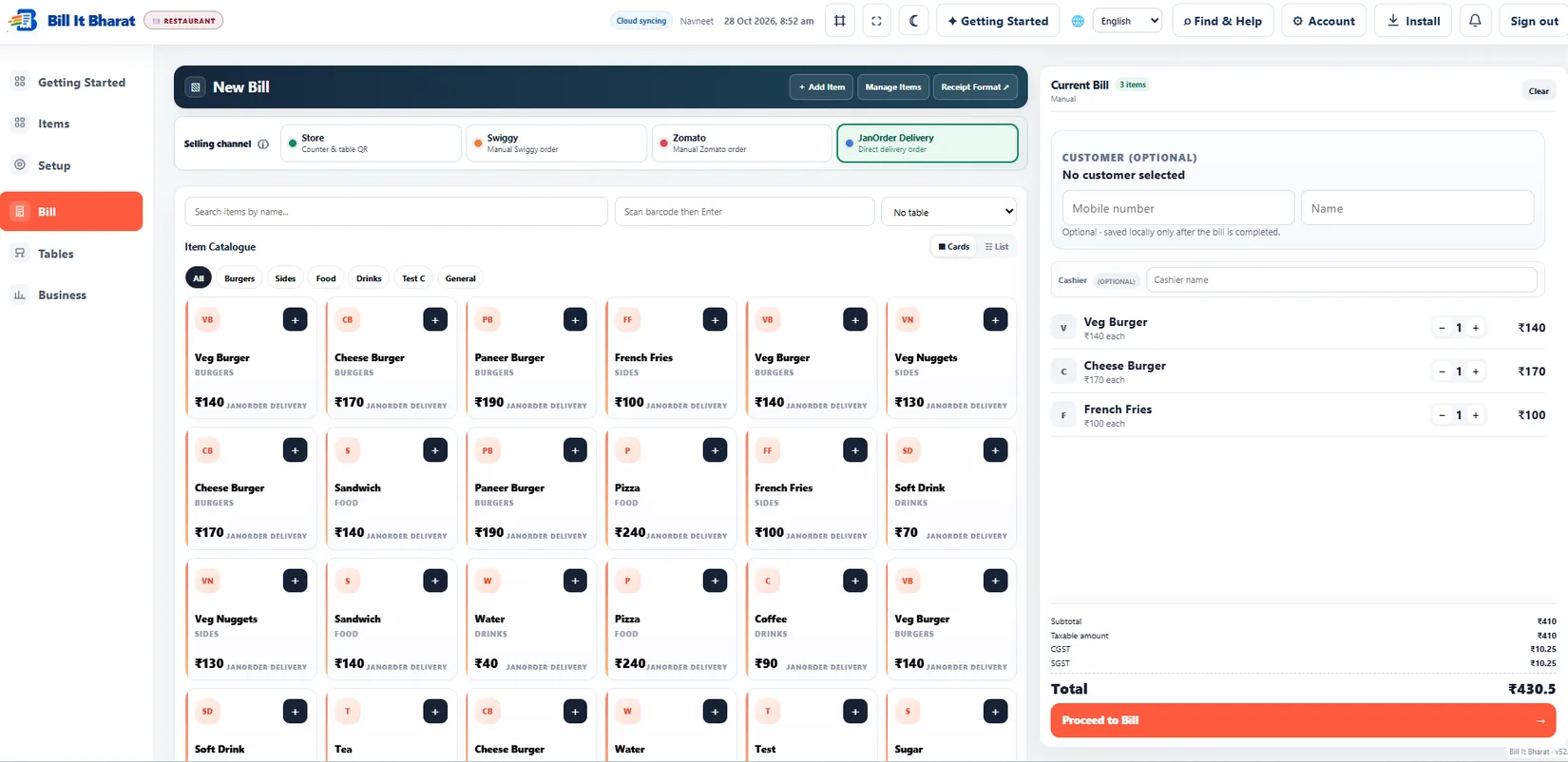
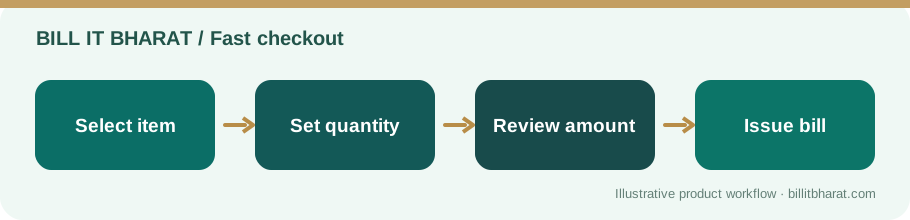
Add one or more items, adjust quantity and discounts, verify taxes and choose a payment mode. Preview the bill and print or share using your supported setup.
Re-open that bill in history to confirm it saved. Make one data export, store it safely and learn the restore process.
Keep the experience reliable
Battery, network, browser storage and printer support can affect mobile billing. Avoid assuming one successful demo proves every phone model.
If staff use several devices, confirm which transactions are shared and which remain local.
One practical mobile-device rehearsal
During a quiet period, try the exact sequence your cashier will use: wake the phone, open the browser, find a frequently sold item, add a discount, finalise and reopen the invoice. Then close and reopen the browser and check that the history remains available. Keep the charger and backup routine as part of the counter setup.
Example from a small business
A food cart operator can add tea, sandwich and water items and complete a simple counter bill in the same mobile interface used to view sales.
Quick start checklist
- Open the Bill It Bharat app in a supported phone browser.
- Configure items and tax settings.
- Create and review a sample sale.
- Test a print or export and keep a backup.
Frequently asked questions
Do I need a computer?
No. Supported mobile browsers can be used for billing.
Will any Bluetooth printer work?
Printer compatibility varies. Test your specific device and printer before relying on it.