
Editorial guide · 28 October 2026 · Examples for Indian small businesses
Different business situations call for different documents
A supplier registered under GST making taxable supplies must follow the relevant invoicing rules. Unregistered shops must not represent ordinary bills as GST tax invoices merely because a customer requests one.
Certain registered suppliers issue a bill of supply rather than a tax invoice under specific conditions. CBIC rules distinguish these documents and their required details.
What information appears on a GST invoice?
GST tax invoices generally identify the registered supplier and contain invoice number, date, item details, value and applicable tax amounts. Recipient and place-of-supply particulars apply as specified by the rules.
A non-GST sale record can still contain business identity, customer details, descriptions, units, amounts and payment information, but must not imply GST was collected improperly.
How to set up a practical counter workflow
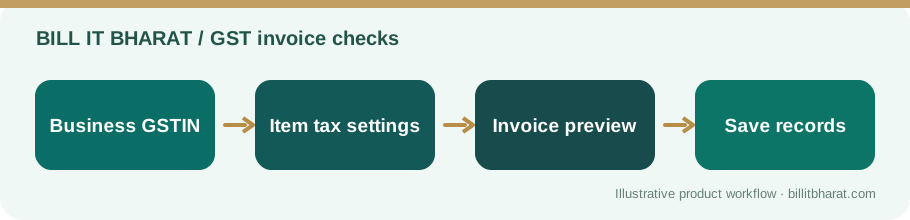
Choose billing settings only after confirming your tax status. Maintain accurate item descriptions and selling prices. Review one sample receipt before issuing real invoices.
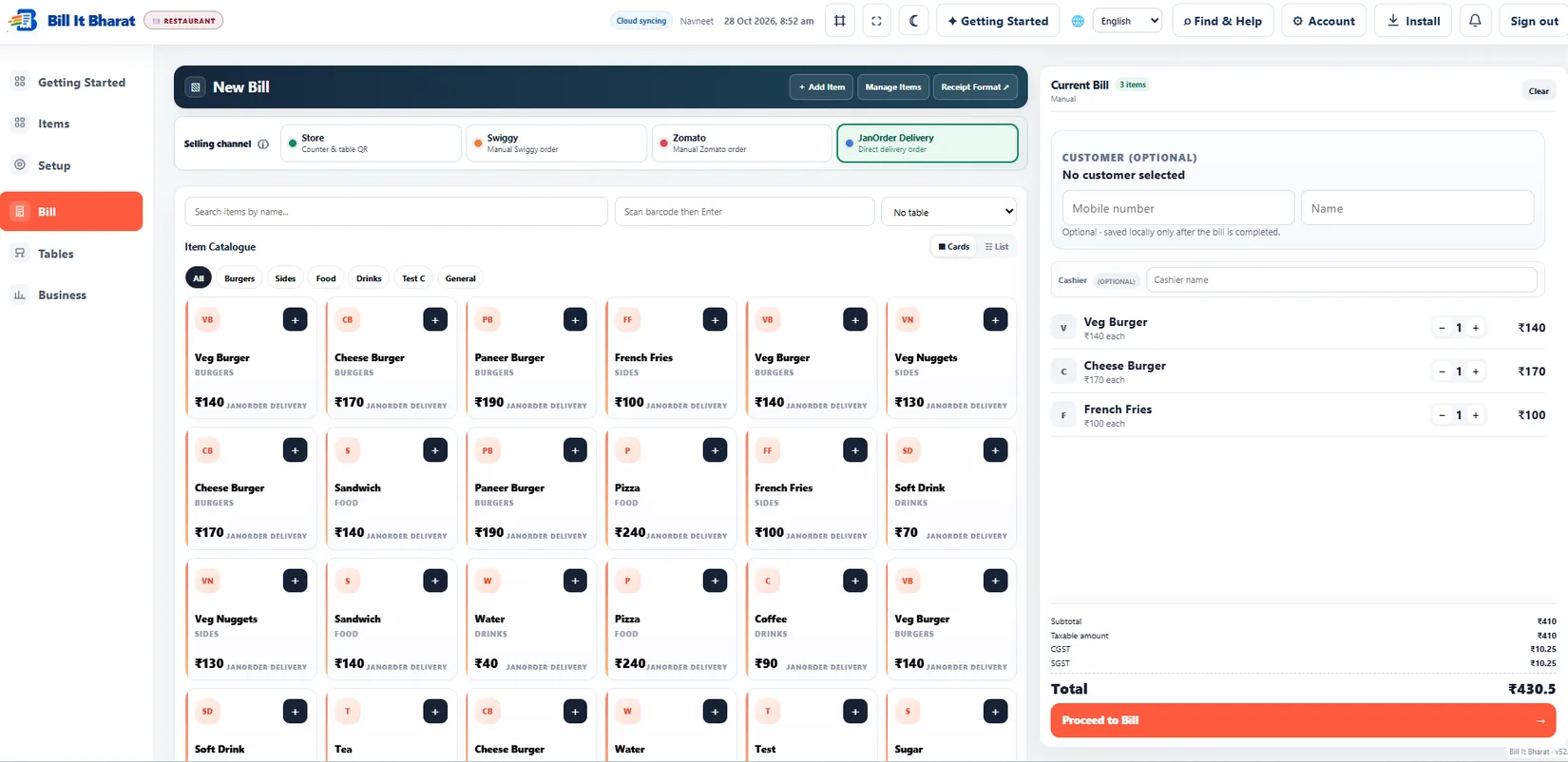
Bill It Bharat provides GST and non-GST billing screens; configuring those screens does not itself establish legal eligibility.
When the rules change
Avoid promising that a previously saved GST percentage remains correct forever. Recheck product classifications and relevant government notifications when your stock mix changes.
Keep guidance dated and link to CBIC rather than copying rate tables that become obsolete.
Correct the document, not only the label
Switching a bill heading from “GST Invoice” to “Receipt” does not fix incorrectly charged tax. Review the transaction’s underlying tax treatment and what the seller is legally allowed to collect. Keep the accounting and business-registration details consistent with the document issued to the buyer.
Example from a small business
An unregistered service counter may issue a normal receipt for work done. A GST-registered supplier should use the applicable statutory invoice format for taxable supplies.
Quick start checklist
- Confirm tax registration status.
- Choose the appropriate invoice document.
- Configure business identity and item information.
- Review, issue and retain the bill.
Frequently asked questions
Does every bill need GST?
No. The correct treatment depends on tax registration and the supply.
Is a bill of supply the same as a tax invoice?
No. They are distinct documents under GST rules.