
Editorial guide · 28 October 2026 · Examples for Indian small businesses
Keep sales and purchases separate
Sales invoices document customer-facing transactions. Purchase records document incoming goods and supplier details. Mixing the two makes tax review and stock reconciliation harder.
Use consistent item IDs so a product sold at the counter connects to the product received from a supplier.
Maintain a useful supplier master
Record the supplier name, phone and other essentials. Reuse the same supplier when entering repeat deliveries rather than creating duplicate contact records.
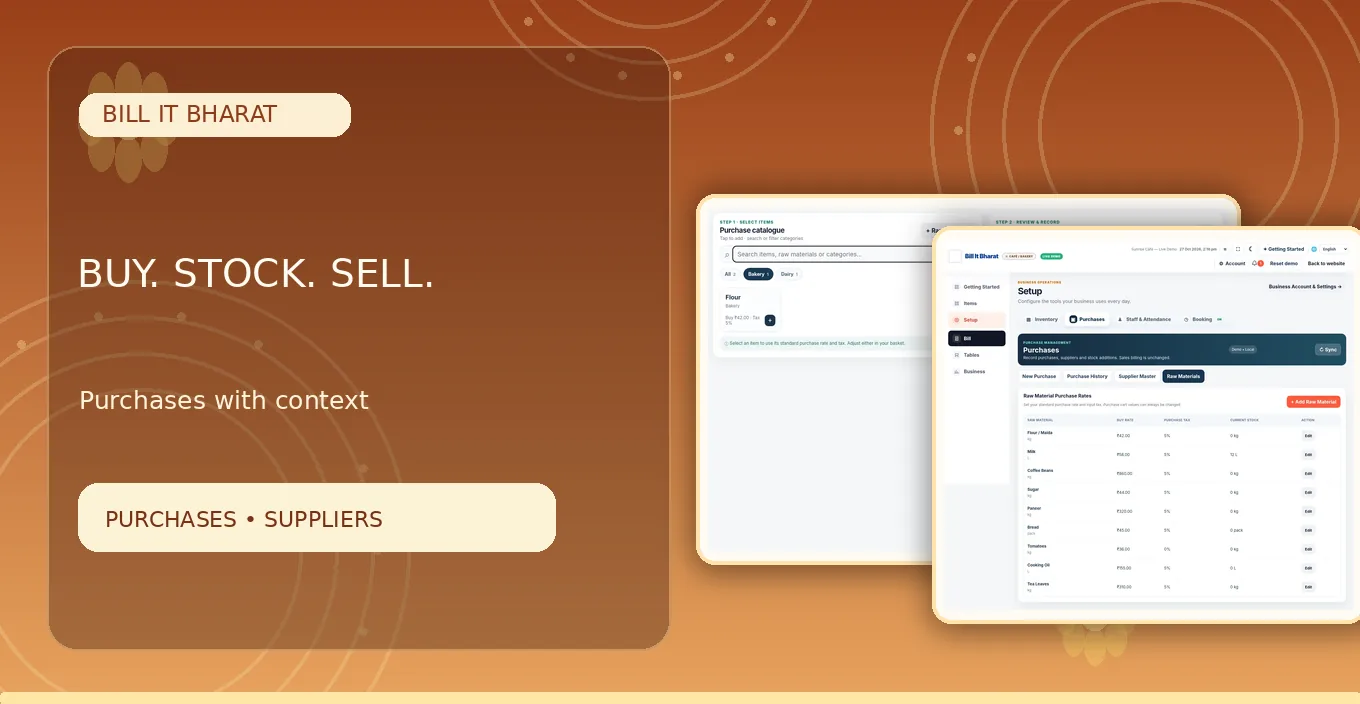
With Bill It Bharat, suppliers can be selected during purchase entry and linked with saved purchase history.
Review landed buying costs
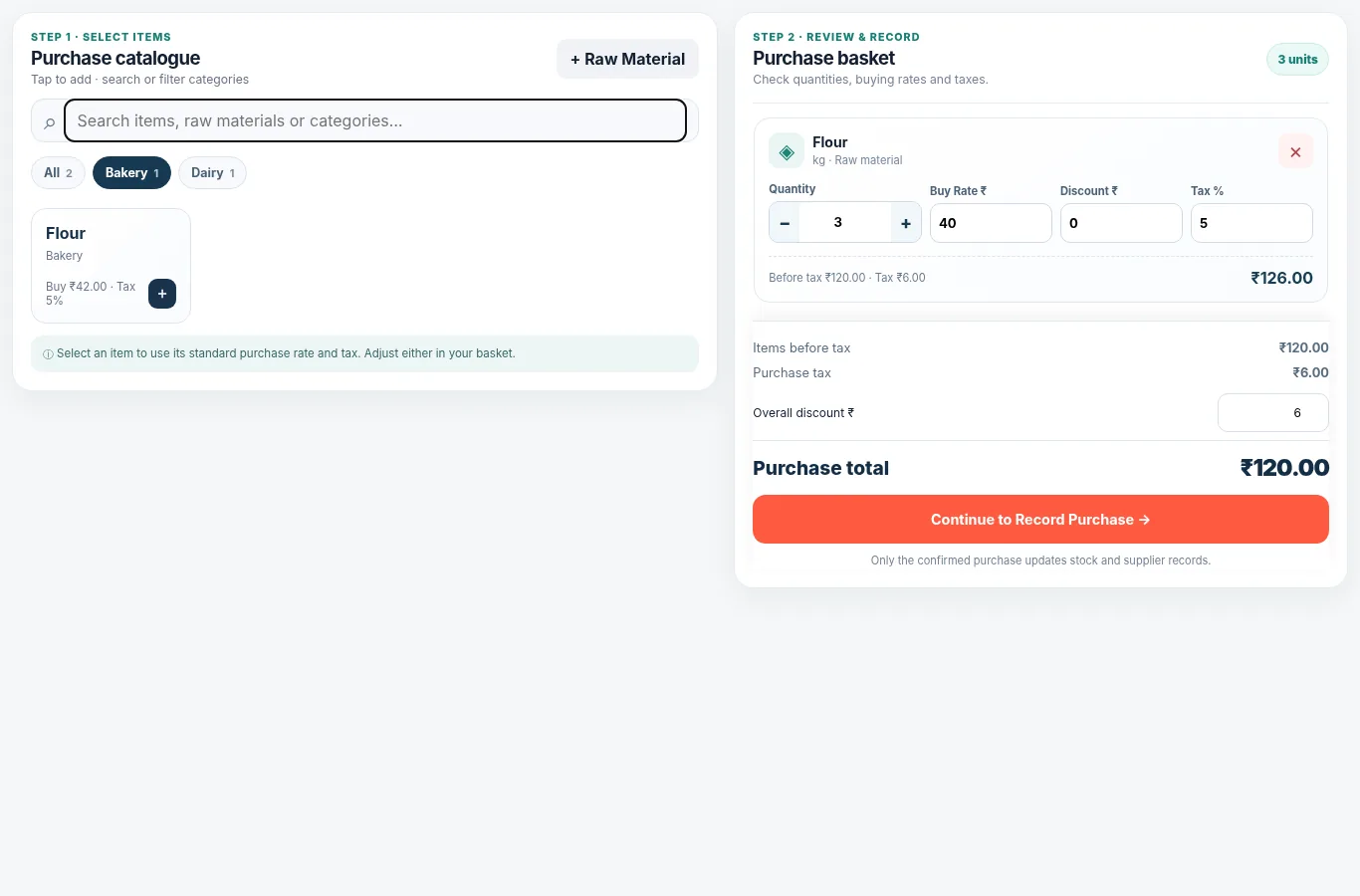
The last buying cost may differ from the standard cost because of negotiated rates, packaging sizes or tax conditions. Use an editable default rather than silently updating all master prices from one unusual invoice.
Calculate business margins from a proper accounting view, not merely by subtracting one bill total from another.
Close each day deliberately
Confirm that purchase receipts were entered, check bills against payment records, and reconcile stock for key products. Prepare a backup before changing devices.
Make the closing ritual small enough that staff will actually perform it.
Check a purchase against its physical receipt
Receiving 20 units on a supplier bill does not prove 20 units arrived. Count the delivery, record a shortfall if necessary, and only enter the quantity actually accepted under your agreed business process. If the buying rate changed, adjust that purchase line rather than hiding the difference in the selling price.
Example from a small business
A neighbourhood retailer buys biscuits at a different rate for a festival promotion. The purchase basket reflects that invoice price while the stored default remains available next time.
Quick start checklist
- Check yesterday’s opening record.
- Record supplier purchases and quantities.
- Issue customer bills as sales occur.
- Review sales history, stock and backup at close.
Frequently asked questions
Can I save supplier details?
Yes. The Supplier Master stores reusable supplier information.
Can I edit purchase rates?
Yes. Buying rate and tax in the purchase basket remain editable.