
Editorial guide · 28 October 2026 · Examples for Indian small businesses
Start with daily counter needs
A small shop should assess the number of counter bills, product catalogue size, staff workflows, receipt printer and whether the business must produce GST or non-GST invoices. A clean billing screen often matters more than a long advertised feature list.
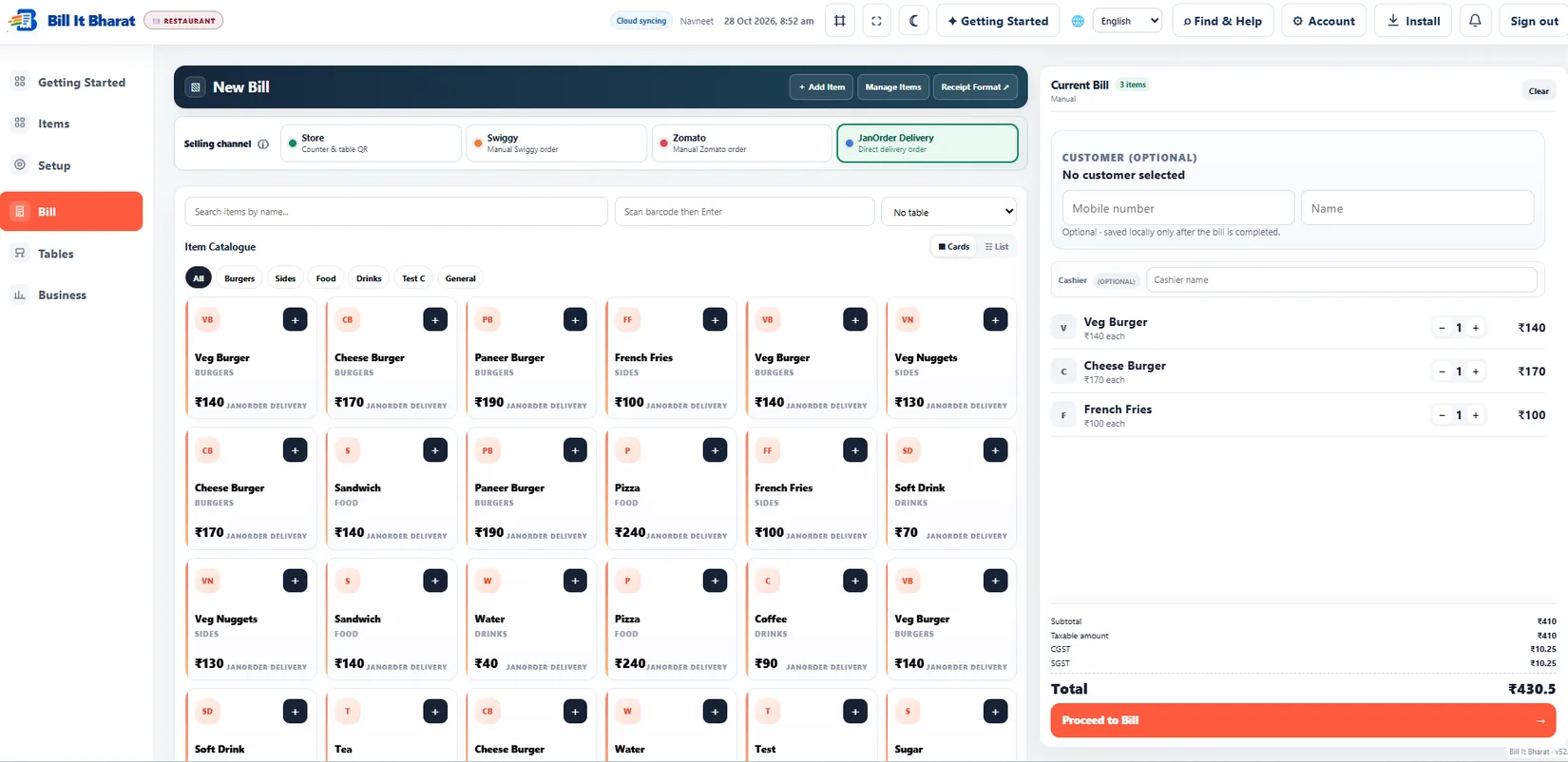
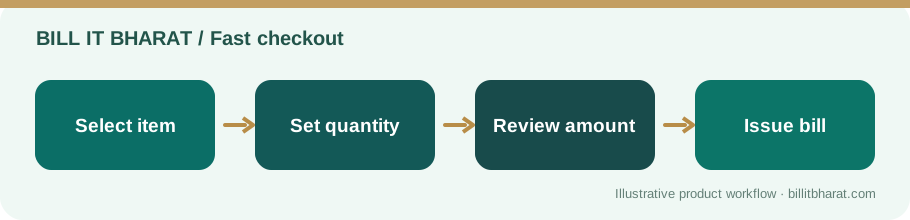
Test looking up an item, modifying quantity, applying a discount, choosing a payment method and finding the printed bill again. Do this on the device the cashier will actually use.
Check inventory and purchase connections
A billing app becomes more useful when the item catalogue also supports stock records and supplier purchases. For shops with many products, category filters and barcode lookup can reduce scrolling.
Food businesses should ask whether ingredient purchases can be kept separate from finished menu items; retailers should ask whether standard purchase prices can be saved and overridden.
Understand backups and device limitations
Free software does not always mean identical cloud storage behavior for all records. Find out which information is kept locally, what is backed up, and how to export or restore data before switching devices.
Bill It Bharat recommends one main billing device in its free mode, with regular manual data exports. Cloud Backup Available.
Try real workflows before deciding
Create three sample products, complete a test bill, find it in sales history, print a receipt and enter one purchase. If the software supports restaurants, separately test a QR order through the kitchen flow.
Ask for clear support documents and avoid treating unsupported marketing claims as proof.
Try a recovery test, not just a sales demo
A product can feel excellent during a five-minute billing demo and still be unsuitable if your device fails. Download an export, understand how to restore it, and ask which records can be recovered on another device. If your shop also runs QR ordering, simulate a busy shift with several small orders rather than testing only one item.
Example from a small business
A kirana owner can begin with ten fast-moving items, test two bills and one supplier purchase, and then decide whether the workflow is simple enough for daily use.
Quick start checklist
- List your must-have billing and inventory tasks.
- Test the checkout and invoice on a mobile and desktop browser.
- Review backup, data export and restoration instructions.
- Start with sample items or a blank catalogue and verify the result.
Frequently asked questions
Is Bill It Bharat free for core billing?
Yes. Its core billing and business-management workflows are free; Cloud Backup Available.
Does free automatically mean online records everywhere?
No. Check the product’s current data-storage and recovery explanation before relying on a second device.