
Editorial guide · 28 October 2026 · Examples for Indian small businesses
Prepare each product once
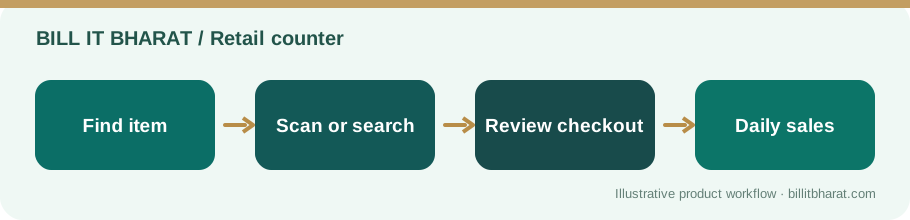
Create products with distinct names, price, tax settings and barcodes. If two packs have different quantities, use their separate codes.
Verify a sample of scanned items against packaging before opening the counter.
Test scanner and browser behavior
Many USB scanners act like keyboards, but focus behavior varies across devices and browsers. Confirm that scanning adds or finds the item rather than typing a code into an unrelated field.
Test manual search as a fallback for damaged labels or scanner downtime.
Combine barcode lookup with category filters
Barcode scanning is most useful for packaged goods; loose vegetables and prepared foods may still require category or manual selection.
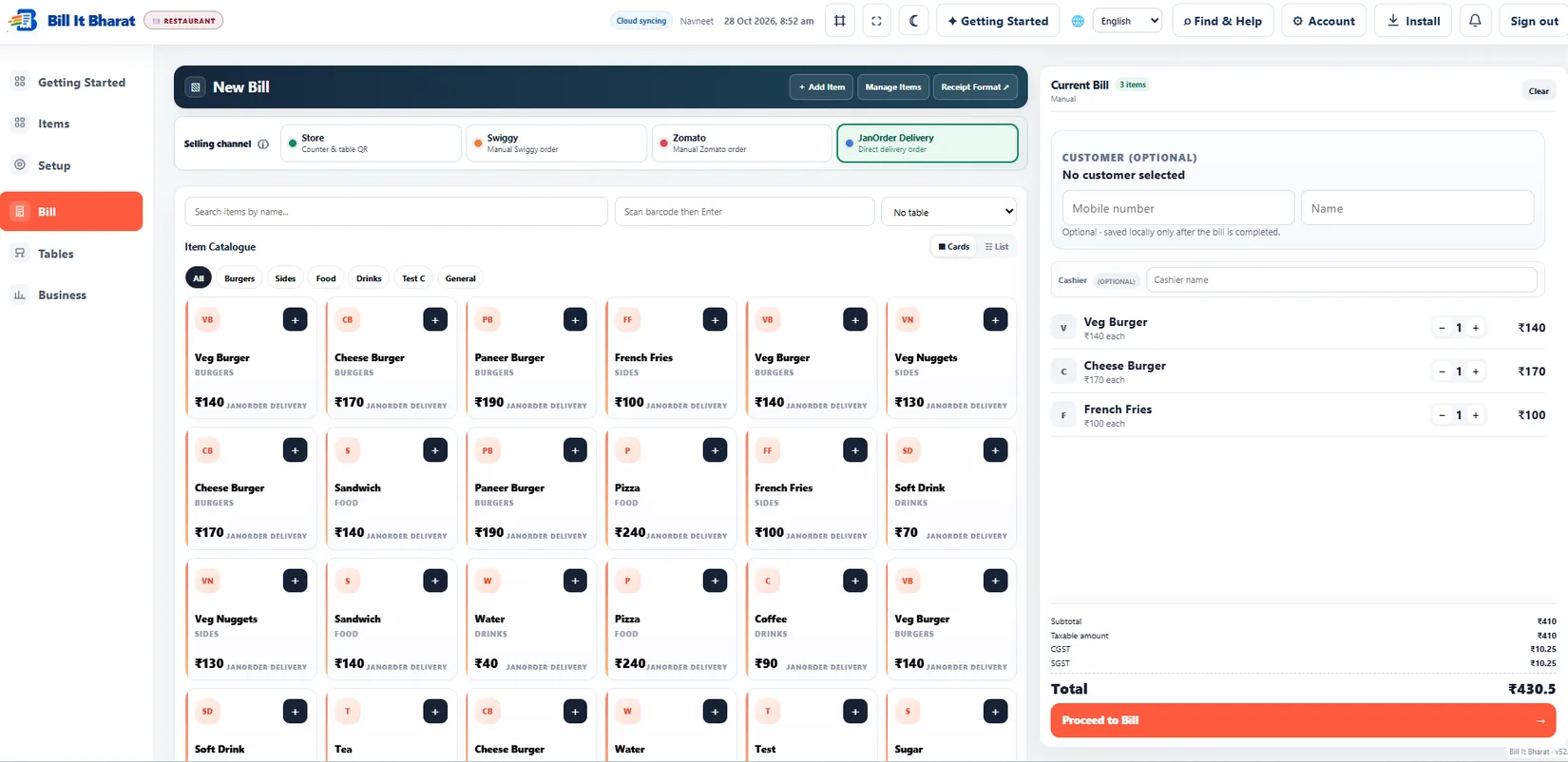
Bill It Bharat supports barcode-oriented retail workflows and category quick filters; exact hardware support should be validated for your scanner.
Prevent duplicate codes
A duplicate barcode attached to two products can create wrong prices. Establish a simple rule for how new products receive codes, and periodically review exceptions.
Use audit discipline when staff edit item masters: confirm the product, unit and code together.
Handle items that do not scan
Keep a simple fallback: use name or category search, confirm the pack size with the customer, and note products whose labels are damaged. Investigate repeated lookup failures after closing time. Do not create a duplicate item every time one barcode cannot be read: that makes inventory and sales reports harder to reconcile.
Example from a small business
A supermarket counter scans a 500 g packet and verifies the selected item is not the similarly named 1 kg pack.
Quick start checklist
- Create a product with a unique barcode.
- Connect the scanner and test item selection.
- Complete a sample sale with two scans.
- Confirm invoice items and retained transaction.
Frequently asked questions
Does barcode billing replace inventory management?
No. Codes identify items; stock still depends on accurate receiving and sales records.
Can I type the item name instead?
Yes. Manual item lookup remains useful as a fallback.